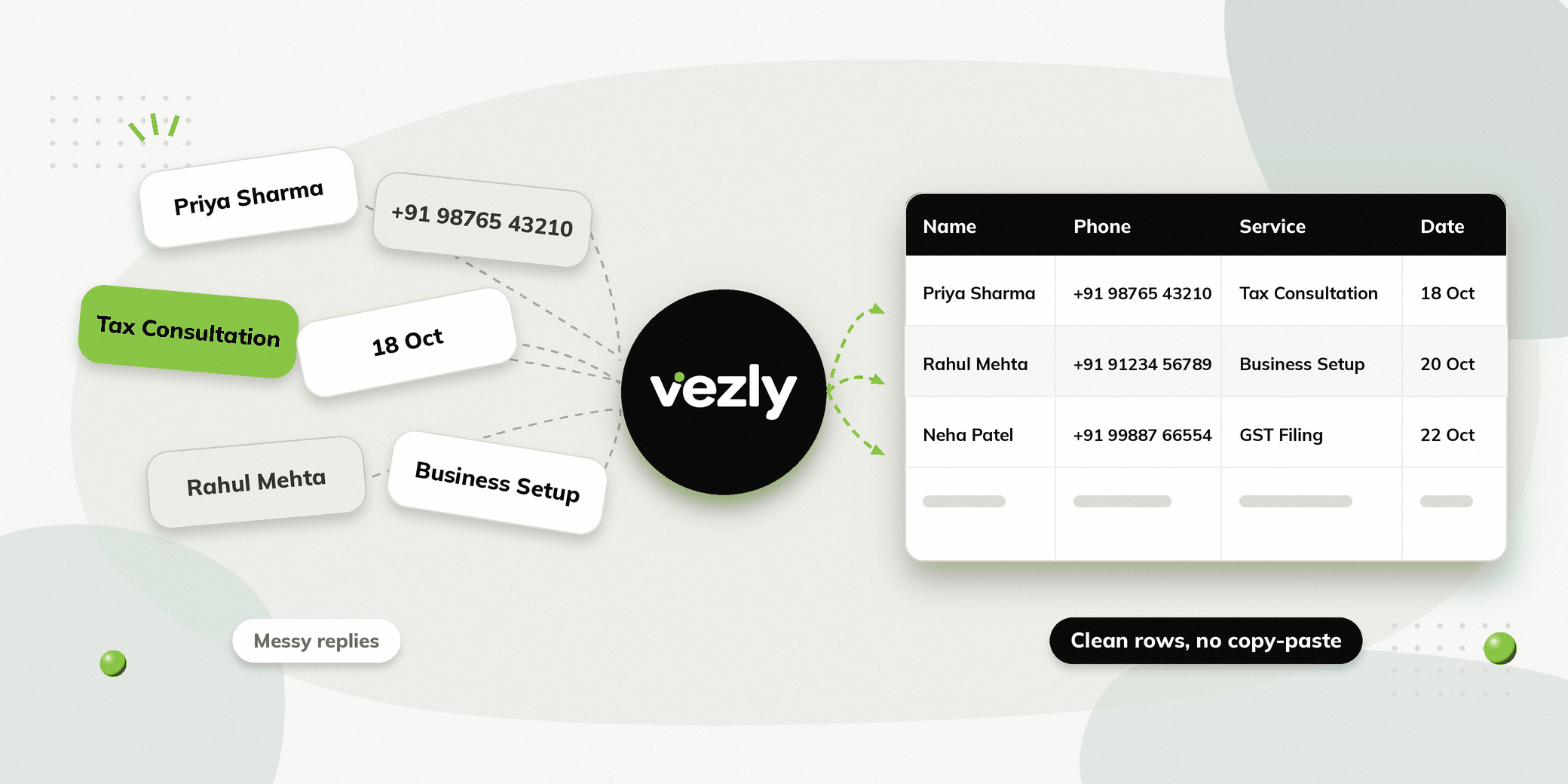
Small businesses often use Google Sheets to manage leads, enquiries, appointments, and customer information. The problem is that someone still has to manually update the sheet after every conversation.
WhatsApp automation with Google Sheets solves this by letting the process happen automatically.
A person can interact with your WhatsApp chatbot, provide the information you need, and those responses can be collected and pushed directly into Google Sheets. Your team gets structured information without manually copying responses from WhatsApp.
The workflow can be built using a no-code WhatsApp chatbot builder, making it practical for small businesses that do not have a technical team.
What Is WhatsApp Automation with Google Sheets?
WhatsApp automation with Google Sheets connects a WhatsApp chatbot with a Google Sheet.
The chatbot asks questions and collects responses from the person. That information can then be stored or pushed into a Google Sheet automatically.
For example, a business could collect:
| Information | Example |
|---|---|
| Name | Rahul Sharma |
| Phone number | +91 XXXXX XXXXX |
| Requirement | Health check-up |
| Preferred date | 15 October |
| Location | Ahmedabad |
| Status | New enquiry |
Instead of asking a team member to enter this information manually, the chatbot can capture it during the conversation.
Why Use Google Sheets with WhatsApp Automation?
Google Sheets is already familiar to many small businesses. You may already use it to manage leads, appointments, enquiries, or customer information. Connecting it with WhatsApp automation can reduce the manual work involved in keeping the sheet updated.
Capture Information Automatically
People can provide their details directly through a WhatsApp conversation.
The chatbot collects responses and sends the information to your Google Sheet.
Reduce Manual Data Entry
Without automation, someone may need to read each WhatsApp conversation and copy the information into a spreadsheet.
With integration, the responses can be pushed into the sheet automatically.
Keep Enquiry Data Organised
Instead of having information scattered across WhatsApp conversations, your team can have the collected responses in a structured spreadsheet.
Use a Tool Your Team Already Knows
Your team does not need to learn a complicated database system just to view the information.
They can continue using Google Sheets to manage the data collected through WhatsApp.
What Can You Collect Through a WhatsApp Chatbot?
A WhatsApp chatbot can collect any information your business needs to move a conversation forward. What you collect depends on your workflow and the information your team needs.
| Type | Examples |
|---|---|
| Lead details | Name, phone number, location, requirement |
| Appointment details | Service, preferred date and time |
| Product preferences | Product, size, colour, quantity |
| Business requirements | Company, industry, requirement, consultation preference |
These are just examples. You can customise the chatbot to collect the specific information your business needs.
The collected responses can then be pushed directly into Google Sheets for your team to manage and follow up. To see how this works for capturing leads on WhatsApp, check our detailed guide.
How Does WhatsApp and Google Sheets Integration Work?
The process can be simple.
Step 1: Start the WhatsApp Conversation
The person starts a conversation with your business on WhatsApp.
This could come from an advertisement, website, QR code, or another customer touchpoint.
Step 2: The Chatbot Asks Questions
The chatbot guides the person through a predefined conversation.
The chatbot can then ask for the information required to continue.
Step 3: Collect the Responses
As the person answers each question, the chatbot captures the information.
Step 4: Push the Information into Google Sheets
The collected responses are then pushed into the connected Google Sheet.
Each interaction can create or update a row with the relevant information.
Step 5: Your Team Can Follow Up
Your team can use the information in the sheet to understand the enquiry and take the next action.
The workflow becomes:
Start WhatsApp Conversation → Chatbot Questions → Responses Collected → Google Sheets → Team Follow Up
What Can Small Businesses Automate with Google Sheets?
Integration can support different business workflows.
| Business | Example workflow |
|---|---|
| Clinics & Healthcare | Enquiry → Patient details → Appointment requirement → Google Sheets |
| Salons & Spas | Service enquiry → Preferred service → Preferred time → Google Sheets |
| Education & Coaching | Course enquiry → Course selected → Contact details → Google Sheets |
| Real Estate | Property enquiry → Budget → Location → Requirement → Google Sheets |
| Retail & D2C | Product enquiry → Product → Requirement → Contact details → Google Sheets |
| Automobile Dealers | Vehicle enquiry → Model → Variant → Test drive requirement → Google Sheets |
| Professional Services | Service enquiry → Requirement → Consultation preference → Google Sheets |
| Diagnostic Centres | Test enquiry → Test required → Preferred date → Google Sheets |
This means Google Sheets can become a simple destination for the information collected through your WhatsApp chatbot.
Do You Need Technical Expertise to Connect WhatsApp with Google Sheets?
No.
A no-code automation platform can let you create the chatbot flow visually and connect the collected information to Google Sheets.
You can define what information the chatbot should collect and where that information should go.
This is useful for small businesses that do not have a dedicated technical team.
WhatsApp Automation with Google Sheets vs Manual Data Entry
| Manual Process | Automated Process |
|---|---|
| Person sends a WhatsApp message | Person starts a chatbot |
| Team asks questions manually | Chatbot asks predefined questions |
| Team records responses | Responses are captured automatically |
| Information is copied into Sheets | Information is pushed to Google Sheets |
| Team follows up | Team works from structured information |
The biggest difference is the amount of manual work required between the conversation and the follow-up.
How Vezly Helps with WhatsApp and Google Sheets Automation
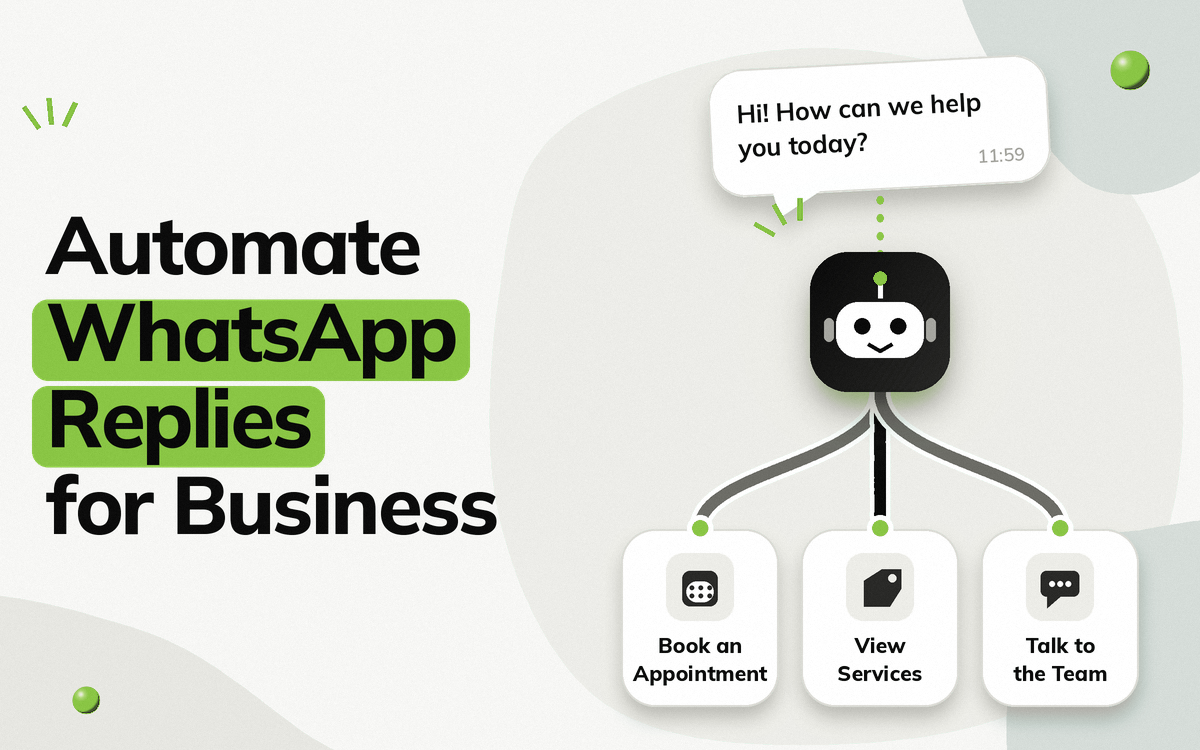
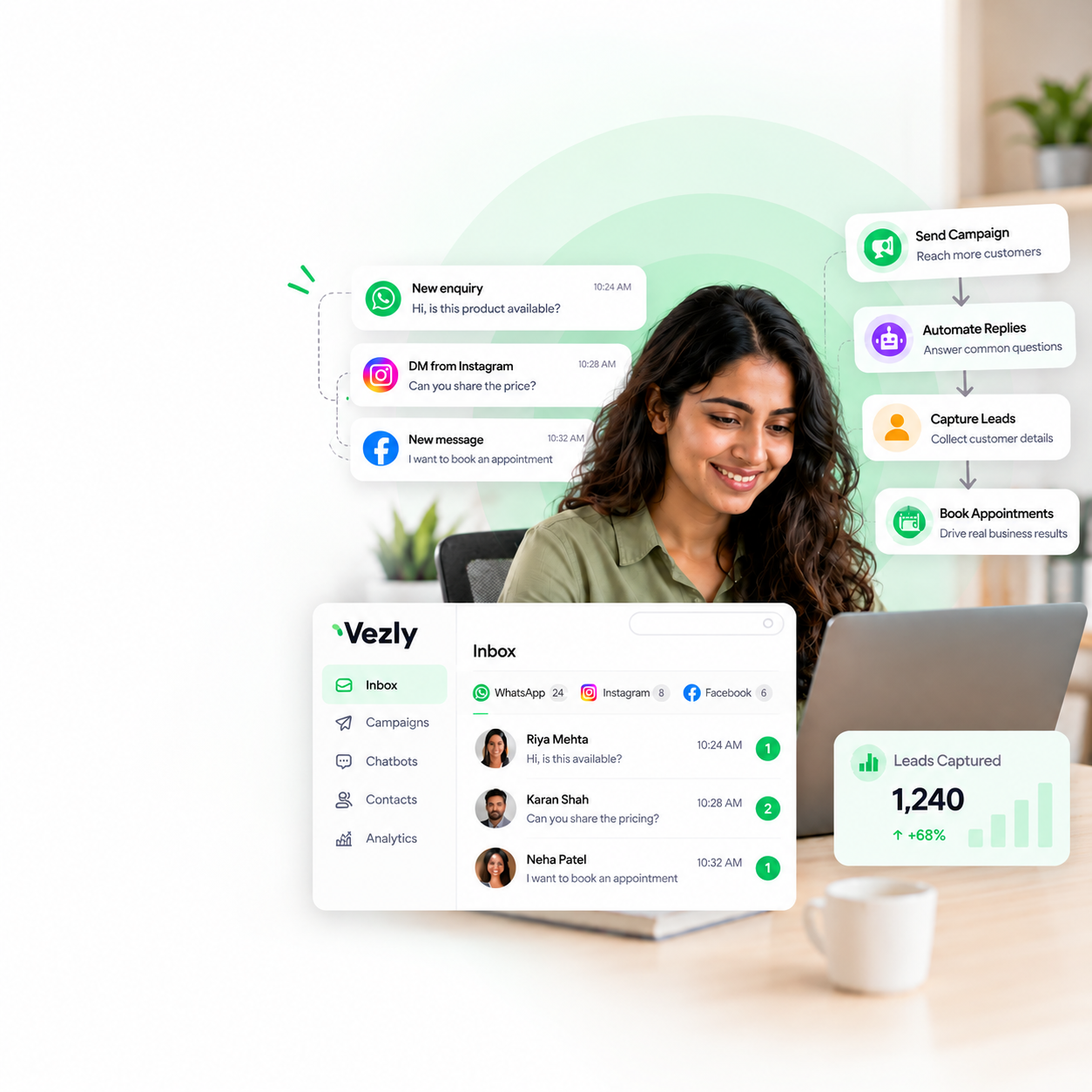
Vezly lets businesses build WhatsApp chatbot flows through a visual flow builder and connect the information collected through those conversations to Google Sheets.
You can create a workflow where the chatbot:
Starts the conversation → Asks questions → Collects responses → Pushes information to Google Sheets
For example, an automobile dealer could create a chatbot that asks:
- Which car are you interested in?
- Which variant do you prefer?
- Would you like to book a test drive?
- What is your preferred date?
The responses can then be pushed into Google Sheets, giving the sales team a structured list of test drive enquiries.
This means the team does not have to manually read every WhatsApp conversation and enter the information into a spreadsheet.
Examples of WhatsApp Automation with Google Sheets
Lead Capture
WhatsApp Ad → Chatbot → Lead Details → Google Sheets
Useful for businesses generating enquiries through WhatsApp campaigns or advertisements.
Appointment Booking
WhatsApp → Service Selection → Preferred Date → Contact Details → Google Sheets
Useful for clinics, salons, consultants and other appointment-based businesses. Learn more about WhatsApp appointment booking.
Test Drive Enquiries
WhatsApp → Vehicle Selection → Test Drive → Preferred Date → Google Sheets
Useful for automobile dealers who want to organise test drive enquiries.
Course Enquiries
WhatsApp → Course Selection → Student Details → Preferred Call Time → Google Sheets
Useful for education and coaching businesses.
Service Requirements
WhatsApp → Service Selection → Requirement → Contact Details → Google Sheets
Useful for professional service businesses.
When Is This Setup Right for Your Business?
WhatsApp automation with Google Sheets works particularly well when your business:
- Receives many enquiries through WhatsApp
- Already uses Google Sheets to manage information
- Wants to reduce manual data entry
- Needs to collect structured information from conversations
- Does not have a dedicated technical team
- Wants a simple way to organise WhatsApp enquiries
If your team already relies on Google Sheets, connecting it to WhatsApp can be a practical first step towards automation.
Final Thoughts
Google Sheets is already a familiar tool for many small businesses. Connecting it with WhatsApp automation can make it much more useful.
Instead of manually reading WhatsApp conversations and entering information into a spreadsheet, your chatbot can collect the responses and push them into Google Sheets automatically.
WhatsApp → Chatbot → Responses → Google Sheets → Follow Up
With Vezly, businesses can build this workflow using a visual flow builder and use Google Sheets as a simple destination for the information collected through their WhatsApp conversations.
FAQs
Can WhatsApp responses be automatically added to Google Sheets?
Yes. With the right WhatsApp automation platform and integration, information collected through a chatbot can be pushed into Google Sheets.
Can I collect customer information through a WhatsApp chatbot?
Yes. A chatbot can ask questions and collect information such as names, requirements, preferences, and appointment details.
Do I need coding knowledge?
No. A no-code platform can allow you to create the chatbot and set up the workflow without writing code.
Can I use Google Sheets for lead management?
Yes. Google Sheets can be used as a simple way to organise information collected through WhatsApp conversations, especially for small businesses.
Is WhatsApp automation with Google Sheets free?
Google Sheets integration can be used without a monthly software subscription through Vezly. However, WhatsApp messaging itself can involve usage-based charges depending on the type of message you send. See Vezly pricing for details.
What businesses can use WhatsApp and Google Sheets automation?
Almost any small business that collects structured information through WhatsApp can use this workflow, including clinics, salons, education businesses, real estate companies, automobile dealers, retailers and professional service businesses.