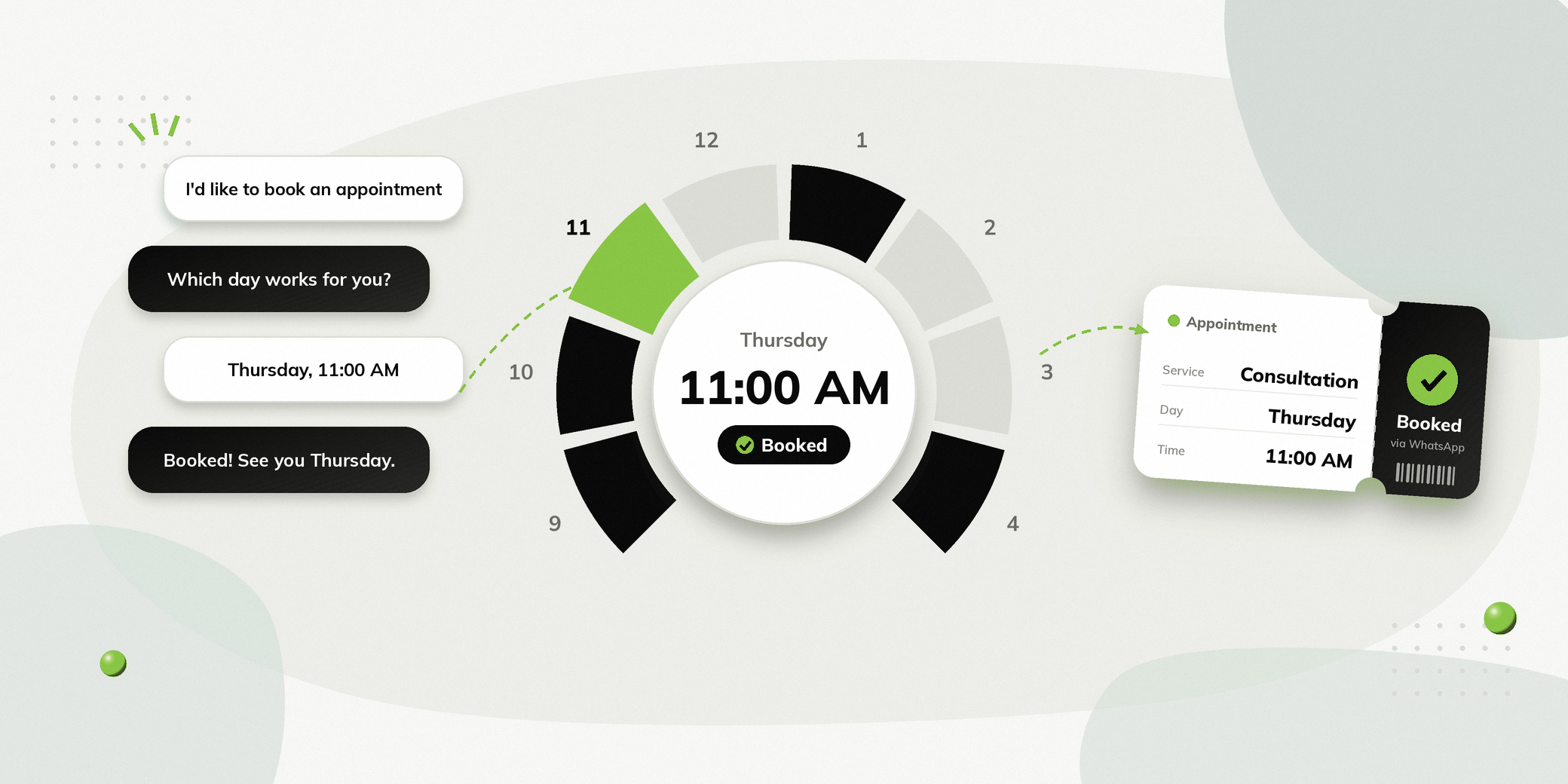
Booking an appointment often involves the same repetitive conversations: answering questions, checking availability, collecting details and confirming a suitable time.
A WhatsApp chatbot can automate much of this process while allowing people to book appointments through a channel they already use. Instead of waiting for a staff member to respond to every enquiry, people can get information, select a service, provide their details and move towards booking through a structured conversation.
For businesses that receive regular appointment enquiries, this can reduce manual work and make the booking process easier.
Why Use a WhatsApp Chatbot for Appointment Booking?
| Challenge | How a chatbot helps |
|---|---|
| Repetitive appointment enquiries | Answers common questions automatically |
| Calls during busy periods | Lets people begin the booking process themselves |
| Enquiries outside working hours | Provides automated responses when staff are unavailable |
| Back and forth over appointment slots | Guides people through a structured booking flow |
| Manual appointment reminders | Sends automated reminders |
| High volume of routine conversations | Lets staff focus on conversations requiring human assistance |
Make booking easier
People can start a booking conversation directly through WhatsApp instead of calling a business or waiting for someone to respond.
A chatbot can guide them through the required steps and reduce unnecessary back and forth..
Reduce repetitive calls
Front desk teams often spend time answering questions such as:
- What are your available slots?
- How much does the consultation cost?
- Which services do you offer?
- Can I reschedule my appointment?
- What information do I need to provide?
A chatbot can handle common questions automatically, allowing staff to focus on conversations that require personal assistance.
Respond outside working hours
Appointment enquiries do not always arrive during business hours. A WhatsApp chatbot can provide immediate responses even when the team is unavailable.
Reduce booking delays
When someone has to wait for a response before they can book, they may abandon the enquiry.
A structured WhatsApp booking flow can guide them towards the next step immediately.
WhatsApp Chatbot Appointment Booking Use Cases
The same basic workflow can be adapted for different types of businesses.
Clinics and healthcare
Clinics can use WhatsApp to help people enquire about services and book consultations.
Example journey:
Choose service → Select consultation type → Choose slot → Confirm appointment
The chatbot can also support appointment reminders and rescheduling.
Salons and spas
Salons can use a WhatsApp chatbot to help people select a service and find a suitable appointment.
For example:
Person: I want to book a haircut.
Chatbot: Which service would you like?
Haircut | Hair Colouring | Hair Treatment
The flow can then collect the preferred date and time.
Business consultants
Consultants can use WhatsApp to turn enquiries into consultation bookings.
Someone coming from a website or campaign can be guided through:
Enquiry → Service selection → Consultation type → Available slot → Booking confirmation
Automobile dealers
Dealerships can use WhatsApp for test drive bookings and service appointments.
For example:
Person: I want to book a test drive.
Chatbot: Which model would you like to explore?
The person can then select a model, preferred date and location.
What Can a WhatsApp Appointment Chatbot Do?
A useful appointment booking flow can handle more than simply collecting a date and time.
Answer common questions
The chatbot can provide information about:
- Services
- Pricing
- Location
- Working hours
- Appointment types
- Required documents
- Cancellation policies
Collect information
A WhatsApp Form can collect structured information such as:
- Name
- Phone number
- Service required
- Preferred date
- Preferred location
- Other relevant details
Show available slots
When connected to the appropriate business system, the workflow can show available appointment slots and allow the person to select one.
Confirm appointments
After booking, the person can receive a confirmation containing the relevant appointment details.
Send reminders
For example:
Appointment Reminder
Your consultation is scheduled for 4:00 PM tomorrow.
Confirm | Reschedule
This gives the person a simple way to take action without calling the business.
WhatsApp Chatbot vs Manual Appointment Booking
| Feature | Manual booking | WhatsApp chatbot |
|---|---|---|
| Initial enquiry | Staff responds | Automated response |
| Common questions | Staff handles individually | Automated answers |
| Information collection | Manual | WhatsApp Form |
| Slot selection | Back and forth | Structured flow |
| Confirmation | Staff sends manually | Can be automated |
| Reminders | Manual or separate process | Can be automated |
| Human assistance | Available | Available when required |
A chatbot does not need to replace human support completely. Businesses can automate routine parts of the journey while allowing staff to step in when a conversation requires personal assistance.
Best Practices for WhatsApp Appointment Booking
Keep the booking flow simple
Only ask for information that is actually required to complete the appointment.
Too many questions can make the conversation unnecessarily long.
Give clear choices
Buttons and structured options make it easier to navigate the booking process.
For example:
What would you like to do?
Book Appointment | Ask a Question | Talk to Us
Let people reach a human
Not every enquiry can be handled through automation.
Provide an option to connect with the team when someone has a specific question or needs assistance.
Send timely reminders
A booking confirmation alone may not be enough. Reminder messages can help people remember upcoming appointments and give them an opportunity to reschedule when necessary.
Track important actions
Businesses can track actions within a chatbot journey, such as:
- Started a booking
- Selected a service
- Submitted details
- Completed a booking
This can help identify where people are dropping out of the booking process.
How Vezly Helps Automate Appointment Booking
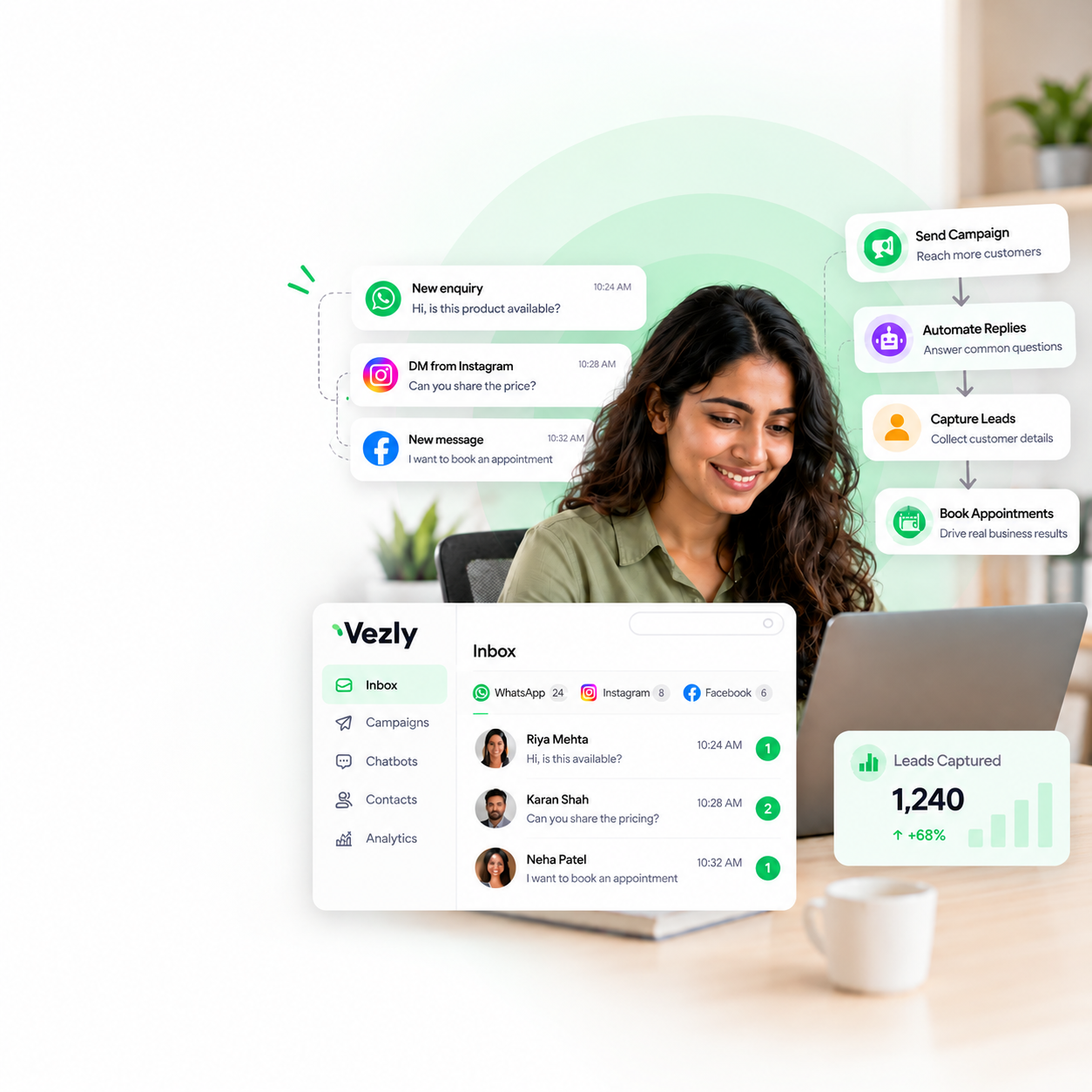
Vezly lets businesses create automated customer journeys across WhatsApp, Instagram and Facebook.
For appointment booking, businesses can use:
| Vezly feature | Appointment booking use |
|---|---|
| Chatbot flows | Guide people from enquiry to booking |
| WhatsApp Forms | Collect required information |
| Conditional logic | Show different paths based on selections |
| Action Tags | Track important actions in the journey |
| Customer Module | View interactions and conversation history |
| Live Chat | Let the team handle conversations requiring human assistance |
For example, someone selecting Online Consultation can be shown relevant options, while someone selecting Clinic Visit can follow a different booking path.
Example: Complete WhatsApp Appointment Booking Journey
Consider a clinic that receives appointment enquiries through WhatsApp.
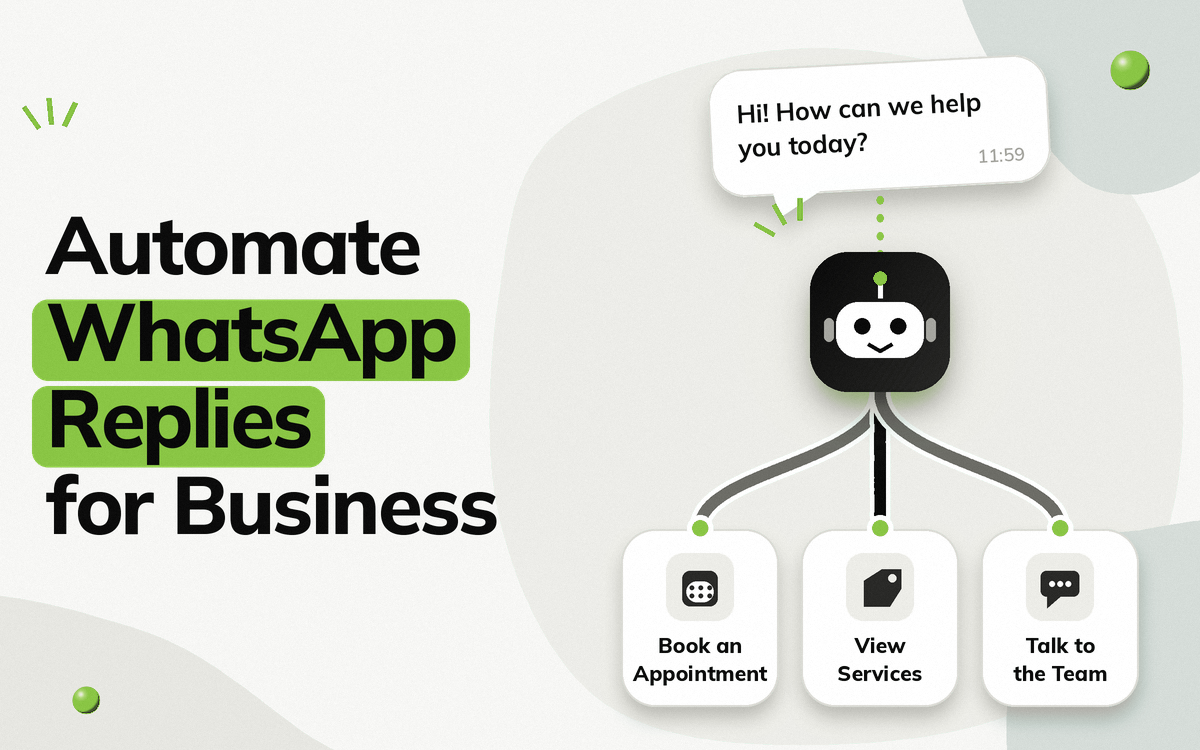
Step 1: Start the conversation
Hi! How can we help you today?
Book an Appointment | Our Services | Talk to the Team
Step 2: Select a service
What would you like to book?
Doctor Consultation | Health Check-up | Follow-up
Step 3: Collect details
The person fills out a WhatsApp Form with their basic information.
Step 4: Select a slot
Available appointment options are displayed.
| Available slots |
|---|
| Monday, 3:00 PM |
| Monday, 5:00 PM |
| Tuesday, 11:00 AM |
Step 5: Confirm
Your appointment is confirmed for Monday at 3:00 PM.
Step 6: Send a reminder
Your appointment is tomorrow at 3:00 PM.
Confirm | Reschedule
The entire journey can happen through WhatsApp without requiring staff to manually manage every step.
Frequently Asked Questions
Can a WhatsApp chatbot book appointments?
Yes. A WhatsApp chatbot can guide people through the booking process, collect required information and, when connected to the relevant business system, show available slots and confirm appointments.
Can a WhatsApp chatbot send appointment reminders?
Yes. Automated WhatsApp messages can be used for appointment reminders, confirmations and rescheduling workflows.
Can people talk to a team member instead?
Yes. A chatbot can handle routine questions while allowing the conversation to be managed by a team member when human assistance is required.
Is a WhatsApp chatbot useful for small businesses?
Yes. Small businesses that receive regular appointment enquiries can use automation to reduce repetitive work without needing a large support team.
What businesses can use WhatsApp for appointment booking?
Clinics, salons, consultants, automobile dealers and other appointment based businesses can use WhatsApp to manage enquiries and bookings.
Final Thoughts
A WhatsApp chatbot can make appointment booking easier by handling repetitive questions, collecting information and guiding people towards available appointments. It can also support confirmations, reminders, and human assistance when required.
The goal is not to automate every conversation. Instead, businesses can automate repetitive parts of the booking journey while keeping human support available for situations that need it.
For businesses already receiving enquiries through WhatsApp, this can turn appointment booking from a manual process into a more structured customer journey.