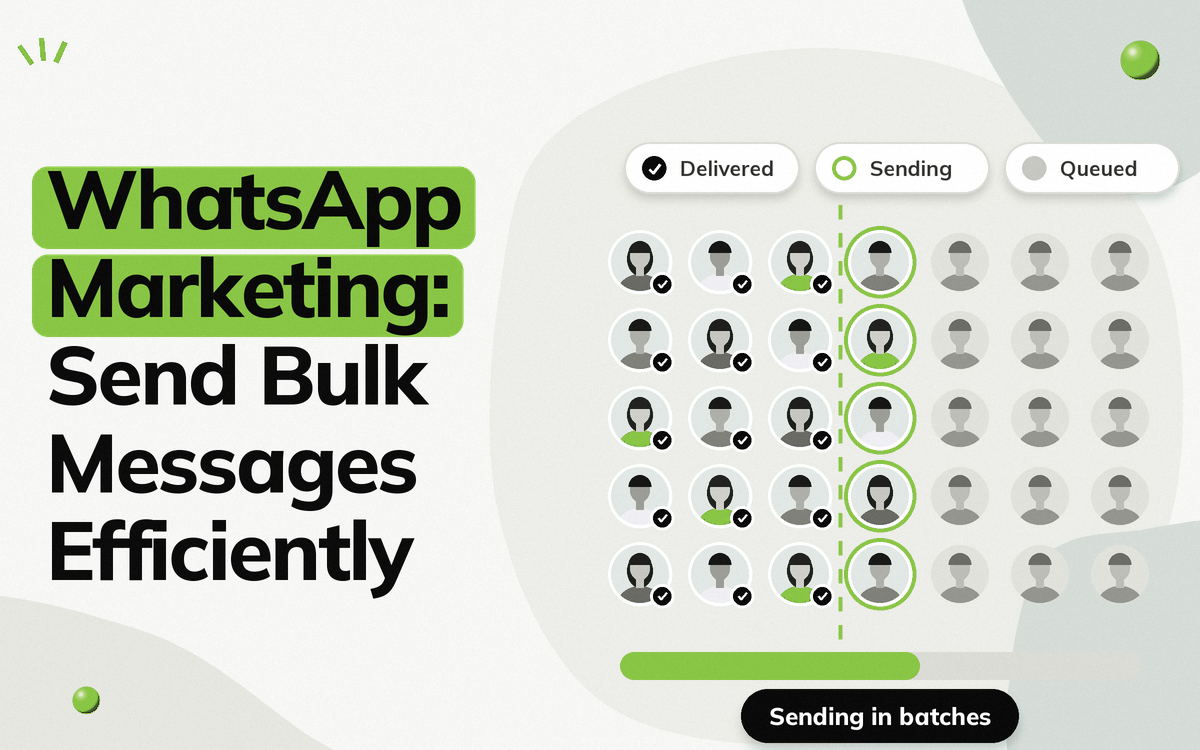
Bulk WhatsApp messaging helps businesses reach large audiences without sending every message manually. But the software you choose matters.
Many Indian SMBs purchase inexpensive bulk messaging tools without checking how the provider connects to WhatsApp. This can create problems such as number restrictions, daily sending limits, or having to replace a business number.
The first thing to look for is whether the provider is a Meta Official Partner and provides access to the official WhatsApp Business API.
Vezly is a Meta Official Partner and uses the official WhatsApp Business API for business messaging.
Why Are Some Bulk WhatsApp Tools Risky?
Not every bulk WhatsApp messaging tool uses the same infrastructure.
Some providers offer bulk messaging through unofficial methods, while others provide access through the official WhatsApp Business infrastructure.
This difference matters because your WhatsApp number is an important business asset. Before purchasing software, find out whether the company is a Meta Official Partner and how your business number will be connected to WhatsApp.
The Problem with Unofficial Bulk WhatsApp Software
Your Number Can Become the Risk
Some bulk messaging tools operate outside the official WhatsApp Business setup.
If your business number is restricted, you may have to replace the number and rebuild your WhatsApp presence.
For an SMB that uses WhatsApp for enquiries, campaigns and customer communication, losing a business number can create significant disruption.
You May Be Given a Daily Messaging Limit
Some bulk messaging providers impose their own daily sending limits.
This can become a problem when you want to communicate with a larger audience during a product launch, promotional campaign, or important business update.
Instead of choosing software based only on how many messages it claims to send, first understand how the messaging infrastructure works.
Your Number May Appear Instead of Your Business Identity
With some unofficial bulk messaging setups, recipients may see a phone number rather than the business identity you expect them to see.
For a business sending campaigns at scale, having a proper business identity is an important part of the messaging experience.
What About the WhatsApp Blue Tick?
The WhatsApp verification badge is controlled by Meta. A software provider cannot simply sell or guarantee Meta verification.
If a provider claims that purchasing its software guarantees a blue tick, be careful about that claim.
Instead, find out whether the provider is a Meta Official Partner and whether your messaging setup uses the official WhatsApp Business API.
Official WhatsApp Business API vs Unofficial Bulk Messaging
| Unofficial Bulk Messaging Tool | Meta Official Partner | |
|---|---|---|
| WhatsApp setup | Unofficial method | Official WhatsApp Business API |
| Provider relationship | Not a Meta Official Partner | Meta Official Partner |
| Business number | Can carry risk | Uses official WhatsApp Business infrastructure |
| Messaging | Bulk sending focused | Business messaging through official infrastructure |
| Business identity | Mobile number is shown in display | Business name is shown in display |
| Verification | Cannot be guaranteed by the provider | Verification remains controlled by Meta |
How to Choose a Bulk WhatsApp Messaging Provider
Choosing a provider is not only about whether it can send bulk messages.
You should consider the provider’s Meta relationship, WhatsApp setup and the features available for managing your campaigns and conversations.
1. Start with Its Meta Partnership
The first thing to look for is whether the company is a Meta Official Partner and provides access to the official WhatsApp Business API.
This gives you a clear starting point when evaluating a WhatsApp messaging provider.
2. Understand How Your Business Number Is Connected
Find out how your existing business number will be connected to WhatsApp.
You should understand the setup before committing your business number to a messaging platform.
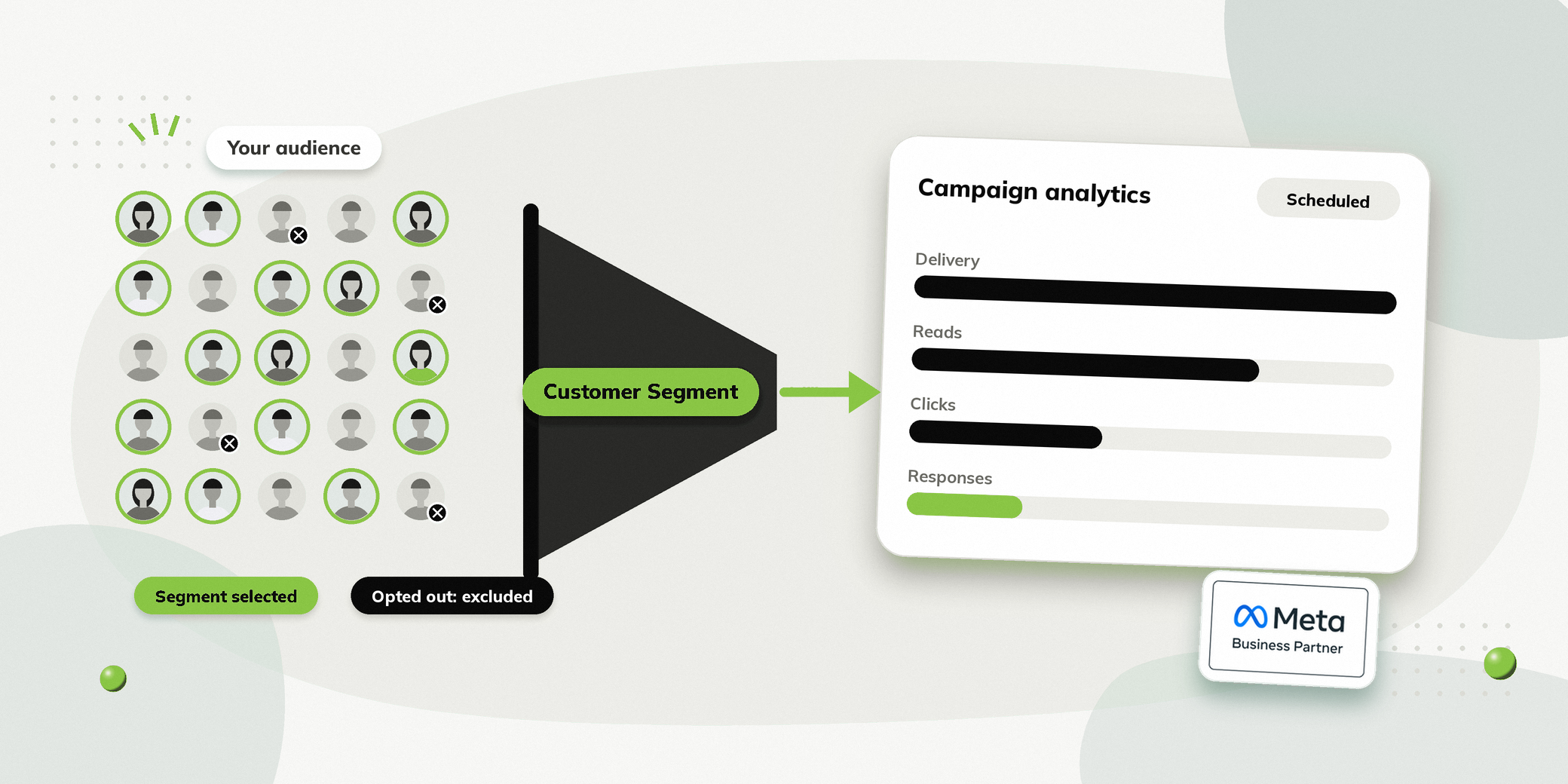
3. Look for Customer Segmentation
Sending the same message to your entire database is not always the right approach.
Look for a Customer Segments feature that lets you organise people based on relevant information and send campaigns to specific groups.
For example, a retailer could create separate segments for recent buyers, inactive buyers, and people interested in a particular product category.
4. Consider Campaign Analytics
Bulk messaging software should not stop at sending messages.
Look for campaign analytics that help you understand:
| Metric | What it tells you |
|---|---|
| Delivery | How many messages reached recipients |
| Reads | How many messages were read |
| Clicks | How many people interacted with your message |
| Responses | How many people started a conversation |
This helps you understand which campaigns are generating interest and where you can improve.
5. See If Ready Made Templates Are Available
Creating every campaign message from scratch can take time.
See whether the provider offers ready-made templates for common business use cases. These can give your team a starting point instead of creating every message from the beginning.
You should also be able to customise the message when needed.
6. Consider Personalisation and Interactive Features
Look beyond plain text messaging.
Features such as personalisation, images, videos, documents and interactive buttons can make campaigns more useful and actionable.
For example, a business launching a new product could include product information with a View Product or Order Now button.
7. Look for Campaign Scheduling
If you regularly run campaigns, a campaign scheduler can make the process much easier.
Your team can prepare a campaign in advance and schedule it for the planned date and time rather than manually sending every campaign.
8. Think Beyond the Campaign
Bulk messaging is often the beginning of a conversation, not the end.
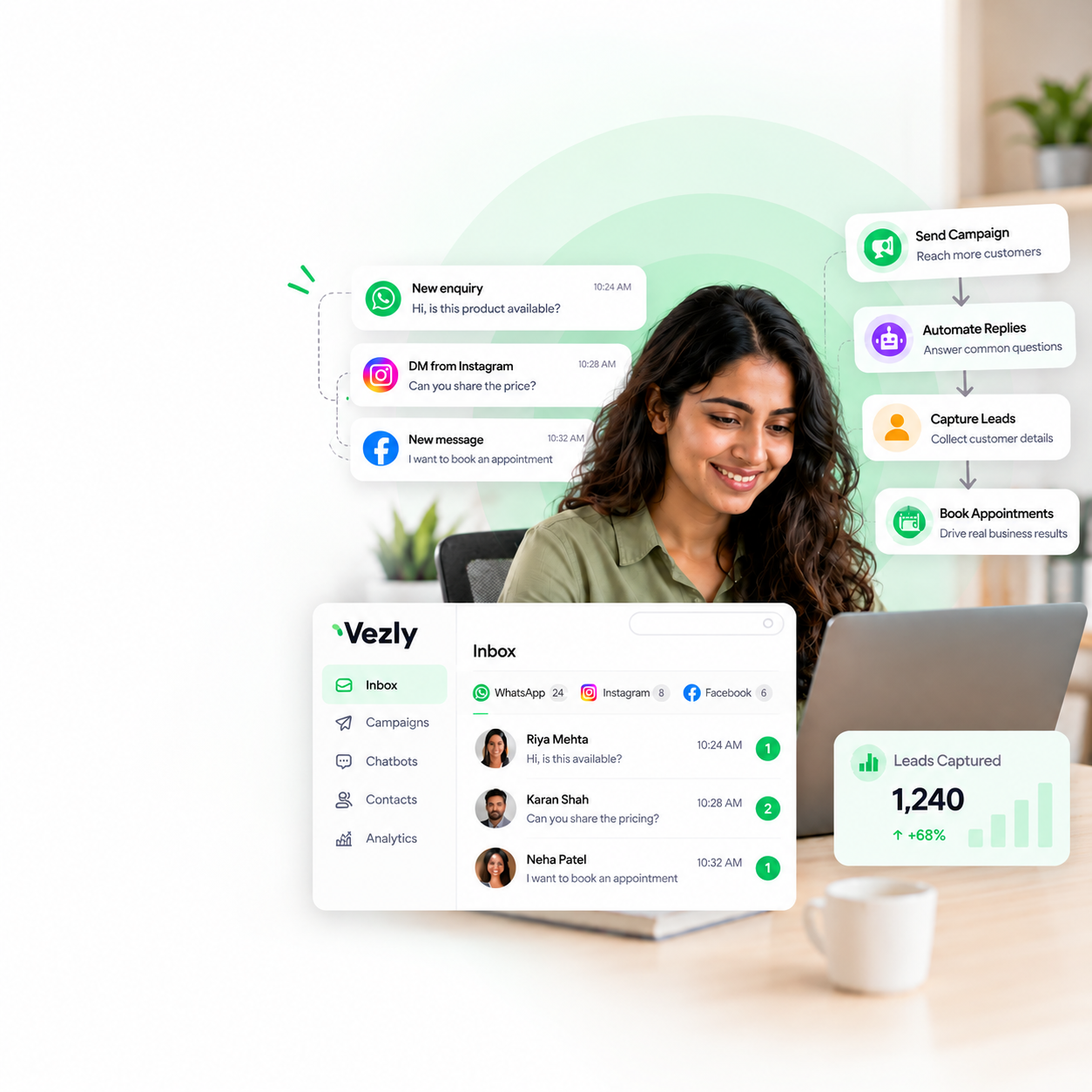
Consider whether the platform provides a shared inbox or Live Chat where your team can manage incoming conversations after a campaign.
This is especially useful when a campaign generates enquiries that require a human response.
9. Understand How Opt-Outs Are Handled
People who opt out of receiving messages should automatically be excluded from future campaigns.
Find out how the provider handles opt-outs and whether those contacts are automatically excluded from subsequent messaging.
How to Send Bulk WhatsApp Messages More Safely with Vezly
Vezly is a Meta Official Partner and uses the official WhatsApp Business API for business messaging.
With Vezly, businesses can manage the campaign process from selecting the right message to analysing campaign performance.
Step 1: Select or Create a Template
Start by selecting a ready made template or creating your own campaign message.
Add personalisation, rich media and interactive buttons based on what you want people to do next.
Step 2: Select Your Customer Segment
Choose the Customer Segment you want to reach.
Instead of sending the same campaign to your entire database, select the audience that is relevant to the message.
For example, a retailer launching a new footwear collection could target people interested in footwear rather than its entire customer base.
Step 3: Schedule the Campaign
Set the date and time for your campaign.
Once scheduled, Vezly will execute the campaign for the selected Customer Segment.
Step 4: Analyse Campaign Performance
After the campaign has been executed, use campaign analytics to understand how people responded.
Track metrics such as delivery, reads, clicks and responses to understand campaign performance.
What Should an Indian SMB Look for in Bulk WhatsApp Software?
| Area | What to look for |
|---|---|
| Meta relationship | Meta Official Partner |
| WhatsApp access | Official WhatsApp Business API |
| Audience management | Customer Segments |
| Campaigns | Campaign Manager and scheduling |
| Templates | Ready made templates and custom templates |
| Content | Rich media and interactive buttons |
| Analytics | Delivery, reads, clicks and responses |
| Conversations | Shared Inbox and Live Chat |
| Opt outs | Automatic exclusion from future campaigns |
| Business identity | Proper business profile and identity |
Price is important, but it should not be the only factor when choosing software that will handle your business WhatsApp number.
Final Thoughts
Bulk WhatsApp messaging can help Indian SMBs reach large audiences without manually sending every message.
But choosing the right provider is just as important as the campaign itself.
Before comparing prices, find out whether the provider is a Meta Official Partner and provides access to the official WhatsApp Business API. Then evaluate the features that help you manage campaigns properly, from Customer Segments and ready made templates to analytics and incoming conversations.
Vezly is a Meta Official Partner that uses the official WhatsApp Business API, giving businesses a platform to run WhatsApp campaigns, understand campaign performance and manage the conversations that follow.
FAQs
Can bulk WhatsApp messaging get my number banned?
Using bulk messaging does not automatically mean your number will be banned. WhatsApp can restrict or remove access when businesses violate its policies or send messages at scale without proper authorisation.
Choosing a Meta Official Partner and using the official WhatsApp Business API gives you the appropriate infrastructure, but businesses still need to follow WhatsApp’s requirements.
Should I choose a provider based on its daily messaging limit?
Not necessarily.
A daily limit only tells you how much the provider allows you to send. You should also consider its Meta relationship, WhatsApp setup, Customer Segments, templates, analytics, scheduling and conversation management features.
Can I use my existing WhatsApp business number?
This depends on the provider and your existing setup. Ask the provider before signing up whether your current business number can be connected.
Can a WhatsApp software provider guarantee the blue tick?
No. WhatsApp verification is controlled by Meta. A provider should not claim that purchasing its software guarantees a verification badge.
Do I need opt in for WhatsApp messaging?
WhatsApp’s Business Messaging Policy states that businesses may contact people on WhatsApp when they have the person’s phone number and explicit consent to receive subsequent WhatsApp messages. Businesses must also respect requests to stop or opt out of communication.
What should I look for before buying bulk WhatsApp software?
Start by finding out whether the provider is a Meta Official Partner. Then consider the WhatsApp setup and features such as Customer Segments, ready made templates, campaign scheduling, analytics and Shared Inbox capabilities.