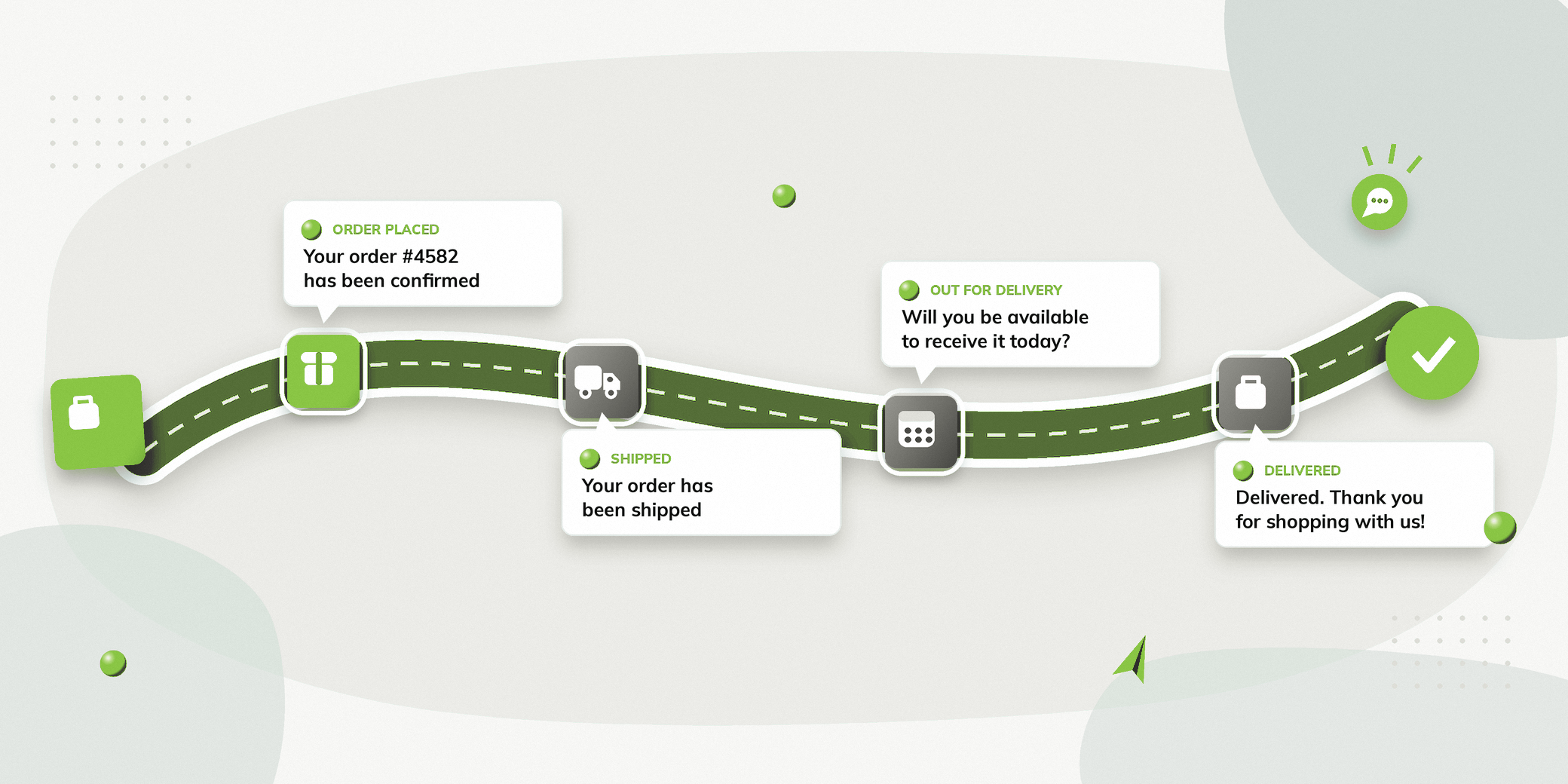
If your Shopify website receives regular orders, enquiries or abandoned carts, WhatsApp automation for Shopify can become an important part of your customer communication.
Instead of manually messaging people about their orders, delivery status, or unanswered enquiries, Shopify events can be connected with WhatsApp.
You can use WhatsApp to send order updates, recover abandoned carts, confirm COD deliveries, run marketing campaigns, and manage conversations with customers.
There are also several ways to set up a Shopify WhatsApp integration. Shopify now provides native WhatsApp capabilities through Shopify Messaging, while Meta provides an official WhatsApp app for Shopify for order updates. Businesses can also use WhatsApp Business API based automation platforms when they need more advanced workflows.
This guide explains what Shopify WhatsApp automation is, what you can automate, and how to set it up.
What Is Shopify WhatsApp Automation?
Shopify WhatsApp automation means using information and events from your Shopify website to trigger relevant WhatsApp communication.
For example, when an order reaches a particular stage, the relevant WhatsApp message can be sent automatically.
Common examples include:
| Shopify Activity | WhatsApp Automation |
|---|---|
| Order placed | Order confirmation |
| Order shipped | Shipping update |
| Order out for delivery | Delivery reminder |
| COD order scheduled for delivery | Delivery availability confirmation |
| Cart abandoned | Cart recovery message |
| New product launch | Marketing campaign |
| Customer enquiry | Automated conversation |
| Customer reply | Team follow up |
The exact automation available depends on how your Shopify store is connected to WhatsApp and which platform you use.
What Can You Automate with Shopify and WhatsApp?
Order Confirmations
After someone places an order, WhatsApp can be used to confirm that the order has been received.
Hi Rahul, your order #4582 has been confirmed. We’ll keep you updated as it moves towards delivery.
This can reduce the need for customers to contact your support team simply to confirm whether their order went through.
Shipping and Delivery Updates
WhatsApp can also be used for updates after an order has been shipped.
Messages can communicate relevant stages such as:
- Order shipped
- Out for delivery
- Delivered
This keeps customers informed without requiring them to repeatedly check their order status.
Meta’s official Shopify app is specifically designed to send timely order updates through WhatsApp.
Abandoned Cart Recovery
Someone may add a product to their cart and leave before completing the purchase.
With the appropriate WhatsApp setup and consent, a Shopify event can trigger an abandoned cart communication. Here is how you can recover abandoned carts on WhatsApp while purchase intent is still fresh.
For example:
You left something behind. Your cart is still waiting for you.
The message can include a link that takes the buyer back to the checkout.
This is particularly useful because the communication happens while purchase intent is still relevant.
COD Delivery Confirmation
COD orders can sometimes fail because the buyer isn’t available when the delivery agent arrives.
A Shopify based workflow can address this before the delivery attempt.
Your order is scheduled for delivery today. Will you be available to receive it?
Yes, I’ll be available
Thanks, for confirming Raj
If the buyer is unavailable, the conversation can move into a rescheduling flow.
For buyers who confirm availability, another WhatsApp message can be sent when the order becomes Out for Delivery, reminding them to be available and keep the COD amount ready.
This can help prevent avoidable failed delivery attempts and support RTO reduction.
Marketing Campaigns
Shopify businesses can also use WhatsApp for promotional communication.
Examples include:
- New product launches
- Sales
- Back in stock notifications
- Product recommendations
- Customer reactivation
Shopify Messaging currently supports WhatsApp marketing campaigns using approved templates and customer segments. Businesses must have explicit WhatsApp marketing consent before sending these campaigns.
Customer Support
WhatsApp can also become a customer support channel.
Customers may ask:
- Where is my order?
- Can I change my delivery address?
- I received the wrong product.
- How do I return this?
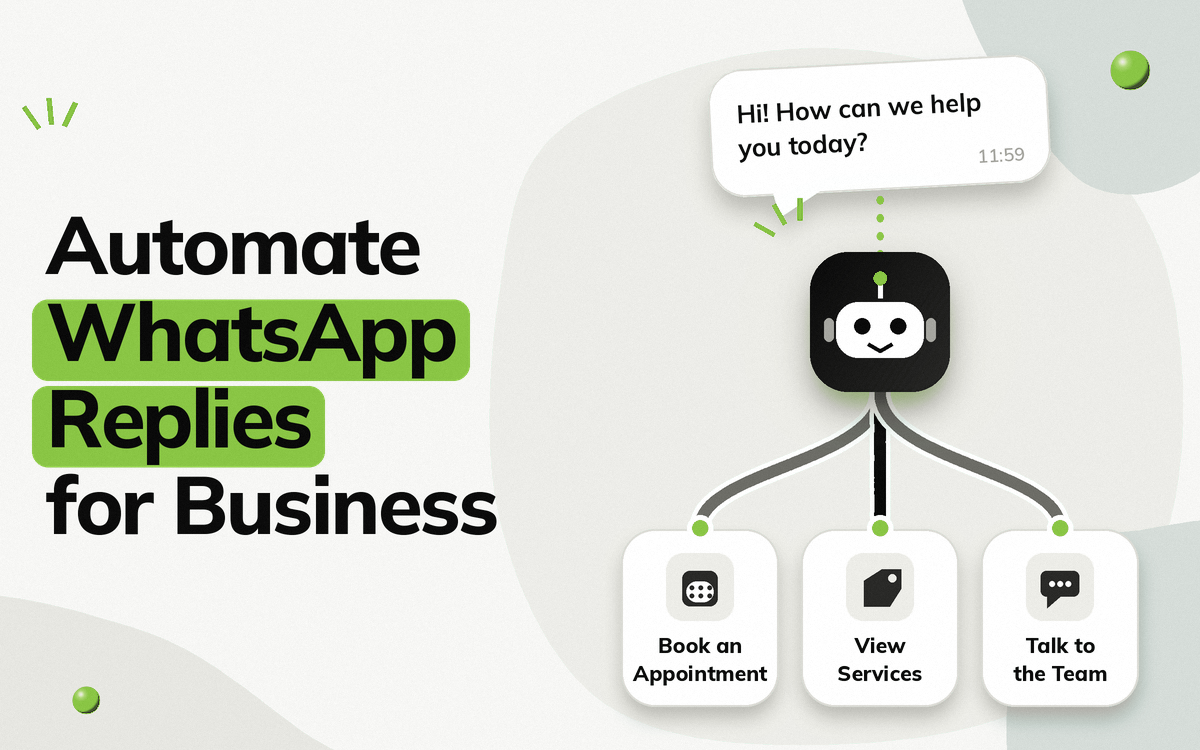
Automation can handle common questions while conversations that require human assistance can be passed to the support team.
How Do You Set Up WhatsApp Automation for Shopify?
There are several components involved in setting up the system.
Step 1: Connect Your Shopify Store
Your Shopify store needs to be connected to the WhatsApp solution you choose.
Shopify currently provides a native connection through Shopify Messaging. From the Shopify admin, WhatsApp can be connected through Apps > Messaging > Settings > Connect WhatsApp.
You can either create a new WhatsApp Business Account during setup or connect an existing account, depending on your setup.
Step 2: Connect Your WhatsApp Business Account
You need a WhatsApp Business Account and a phone number for your business.
Shopify’s current setup supports:
- A new WhatsApp number
- An existing business number
- A number obtained through a third-party provider
If you’re switching an existing WhatsApp Business Account from another provider, there are additional considerations during the connection process.
Step 3: Set Up WhatsApp Consent
This is particularly important for marketing messages.
Shopify allows businesses to enable WhatsApp marketing opt-in during checkout. Existing consent can also be imported into Shopify.
Marketing messages should only be sent to people who have explicitly opted in to WhatsApp marketing.
Step 4: Create Your Message Templates
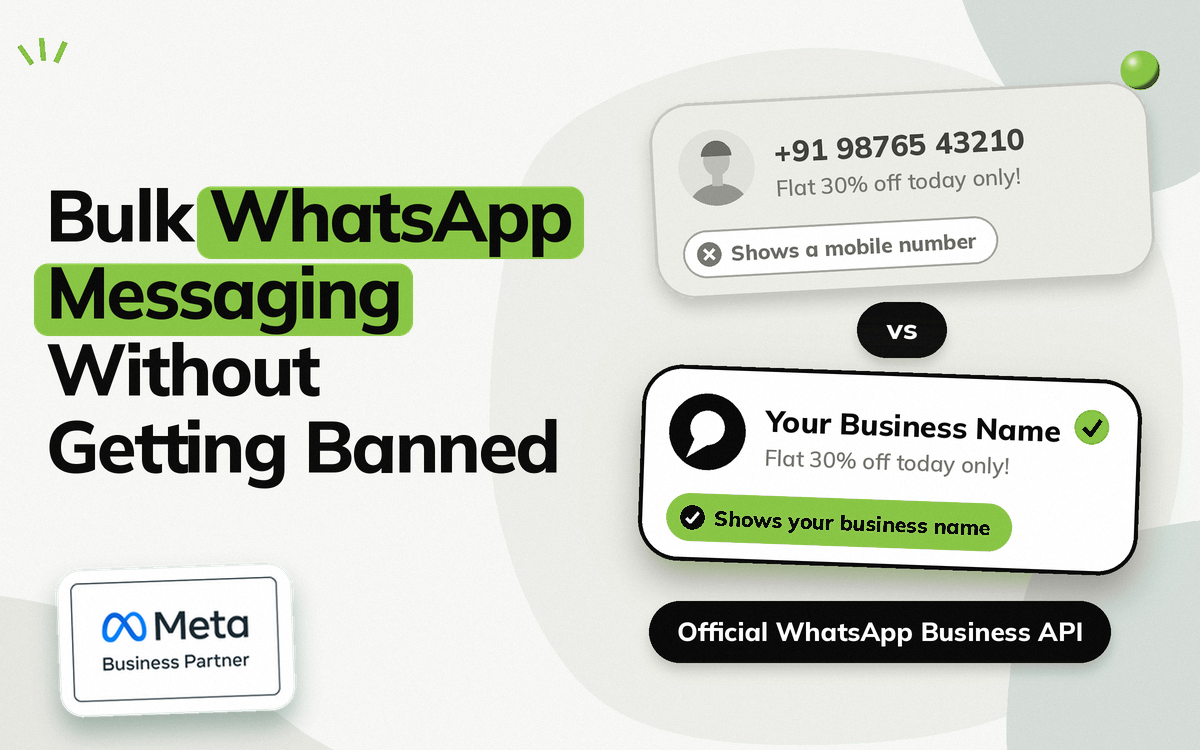
Business initiated WhatsApp messages use WhatsApp message templates that need to be submitted for Meta approval.
For example, you might create templates for:
- Order Confirmation
- Shipping Update
- Delivery Reminder
- Abandoned Cart
- COD Confirmation
- Promotional Campaign
Shopify states that WhatsApp marketing templates need to be submitted to Meta before they can be used in campaigns.
Step 5: Connect Shopify Events with Your Workflows
Next, decide what should trigger each WhatsApp message.
For example:
| Event | Workflow |
|---|---|
| Order placed | Order confirmation |
| Order shipped | Shipping notification |
| Order out for delivery | Delivery reminder |
| COD delivery scheduled | Availability confirmation |
| Cart abandoned | Cart recovery |
| Customer replies | Automated response or team conversation |
This is where a WhatsApp automation platform can provide more flexibility than basic order notifications.
Step 6: Build Your WhatsApp Conversations
Not every workflow should end after one message.
For example, a COD confirmation could ask whether the buyer is available.
If they select Not available today, the chatbot can continue with a rescheduling flow.
Similarly, a product enquiry can ask questions, collect preferences, and then connect the person with the sales team.
This is where a WhatsApp chatbot becomes useful.
Step 7: Test Before Going Live
Before activating the workflow for your entire customer base, test the complete journey.
Check:
- Trigger conditions
- Message content
- Template approval
- Personalisation fields
- Buttons
- Links
- Customer responses
- Team handover
- Shopify data
- Final action
Testing helps identify issues before customers encounter them.
Shopify Native WhatsApp vs WhatsApp Automation Platforms
There isn’t only one way to connect WhatsApp with Shopify.
Shopify Messaging
Shopify now provides WhatsApp marketing capabilities directly through Shopify Messaging.
You can connect a WhatsApp Business Account, create campaigns, select customer segments, and schedule approved WhatsApp marketing messages.
This can be useful if your main requirement is Shopify based marketing communication.
Meta’s Shopify WhatsApp App
Meta also provides an official Shopify app focused on timely WhatsApp order updates. It can connect a Shopify store to WhatsApp and send order related messages.
WhatsApp Automation Platforms
A dedicated WhatsApp automation platform can be more appropriate when you need workflows beyond basic notifications.
For example:
- Chatbots
- Lead qualification
- WhatsApp Forms
- Abandoned cart recovery
- COD confirmation
- Rescheduling
- Customer support
- Campaigns
- Team conversations
- Connected business systems
The right option depends on how much of your customer journey you want to automate.
How Vezly Helps with Shopify WhatsApp Automation
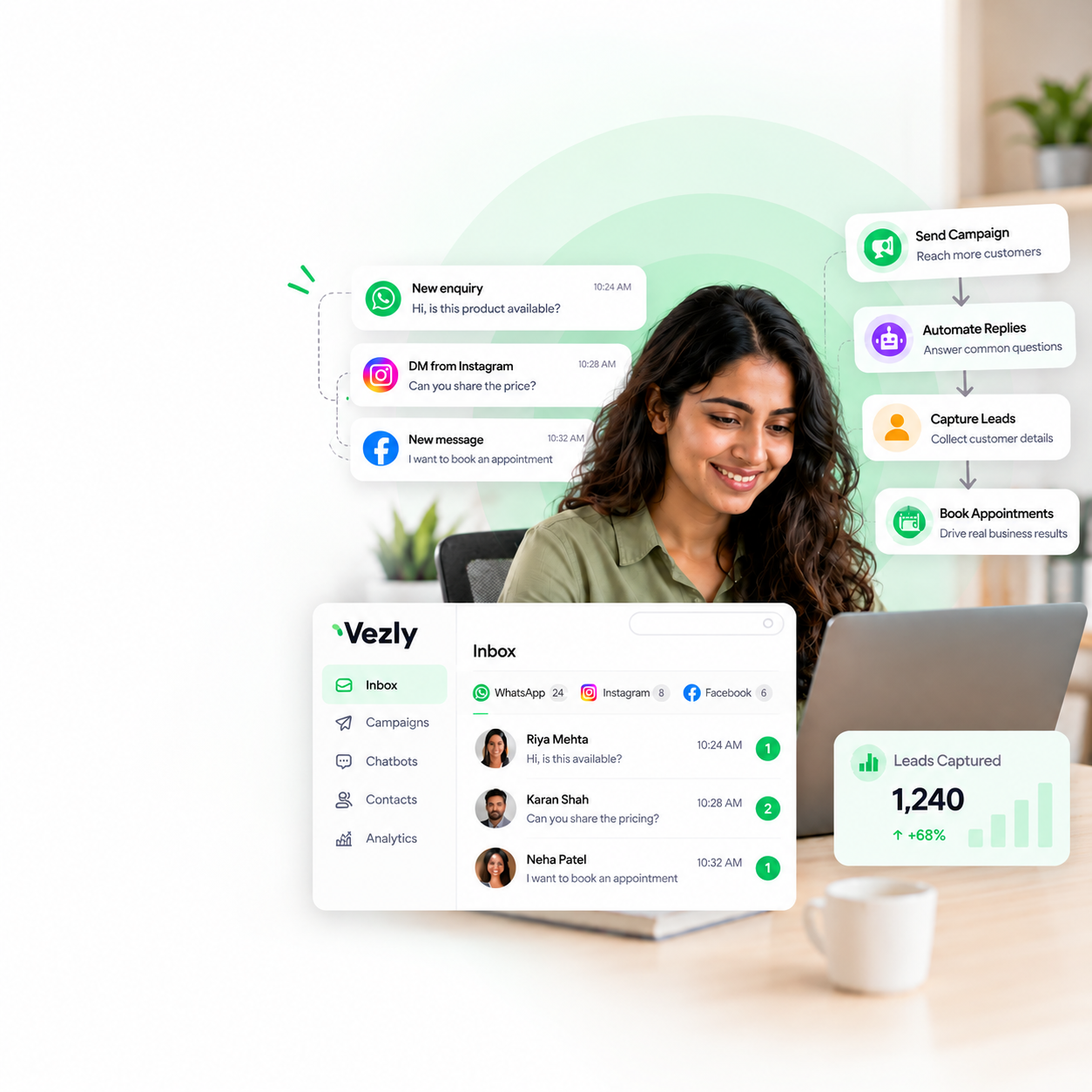
Vezly can connect Shopify events with WhatsApp workflows, so businesses can automate communication around different stages of the customer journey.
For an e-commerce brand, this could include:
Recover Abandoned Carts
Trigger a WhatsApp message when a potential buyer leaves products in their cart without completing the purchase.
Keep Customers Updated
Use relevant Shopify order events to send order and delivery communication.
Confirm COD Deliveries
Send a delivery availability message on the morning of the scheduled delivery day.
If the buyer is unavailable, the workflow can guide them towards rescheduling.
Build Interactive Conversations
Instead of sending only notifications, businesses can create WhatsApp chatbot journeys that ask questions and collect information.
Connect Conversations with Your Team
When someone needs assistance, the conversation can be managed by the appropriate team member through Vezly.
Shopify WhatsApp Automation Best Practices
Automate Useful Messages
Don’t automate every possible notification simply because you can.
Prioritise communication that helps the buyer or reduces repetitive work for your team.
Use the Right Message Template
Create templates around specific purposes rather than trying to make one message work for every situation.
Give People an Action
When appropriate, let the recipient take the next step directly from WhatsApp.
For example:
- Track Order
- Reschedule Delivery
- Book Appointment
- Talk to Support
Don’t Over Message
WhatsApp automation should make communication more useful, not turn every Shopify event into another notification.
Keep Human Support Available
Automation should handle predictable interactions while giving customers a clear path to human assistance when required.
Common Shopify WhatsApp Automation Workflows
| Business Need | WhatsApp Workflow |
|---|---|
| New order | Order confirmation |
| Shipping | Shipping notification |
| Delivery | Out for Delivery reminder |
| COD | Delivery availability confirmation |
| Failed delivery | Rescheduling |
| Abandoned cart | Cart recovery |
| New product | Product announcement |
| Sale | Promotional campaign |
| Customer enquiry | Chatbot |
| Support request | Automated response + team support |
This gives Shopify businesses a starting point for deciding which workflows are worth automating first.
Final Thoughts
Shopify and WhatsApp can work together across much more than basic order notifications.
A well-planned automation setup can help an e-commerce business communicate with buyers at important moments in the customer journey.
You can start with simple workflows such as order confirmations and delivery updates, then expand into abandoned cart recovery, COD delivery confirmation, campaigns, and interactive WhatsApp conversations.
Connect Shopify. Trigger the message. Automate the journey.
The important part is to automate communication that has a clear purpose.
For Shopify brands looking to go beyond basic notifications, Vezly provides a way to connect Shopify events with WhatsApp automation and build customer journeys around those events.
FAQs
What is Shopify WhatsApp automation?
Shopify WhatsApp automation connects Shopify information or events with WhatsApp workflows, so businesses can send relevant messages or manage conversations automatically.
Can Shopify send WhatsApp messages automatically?
Yes. Shopify currently supports WhatsApp marketing through Shopify Messaging, and Meta provides an official Shopify app for order updates. Other WhatsApp automation platforms can provide additional workflows.
Can I automate abandoned cart messages on Shopify using WhatsApp?
Yes, but the setup needs to support the relevant Shopify event and WhatsApp communication requirements. Marketing messages require appropriate WhatsApp consent and approved templates.
Can I send WhatsApp order confirmations from Shopify?
Yes. WhatsApp can be used for order related communication, including order confirmations and shipping updates, depending on the integration you use. Meta’s official Shopify app is specifically designed for order updates.
Can I use my existing WhatsApp Business number with Shopify?
Shopify’s current setup allows an existing WhatsApp Business Account to be connected, subject to the applicable setup requirements.
Can Vezly connect Shopify with WhatsApp?
Yes. Vezly can connect Shopify events with WhatsApp workflows for use cases such as cart recovery, order communication, COD delivery confirmation and customer conversations.