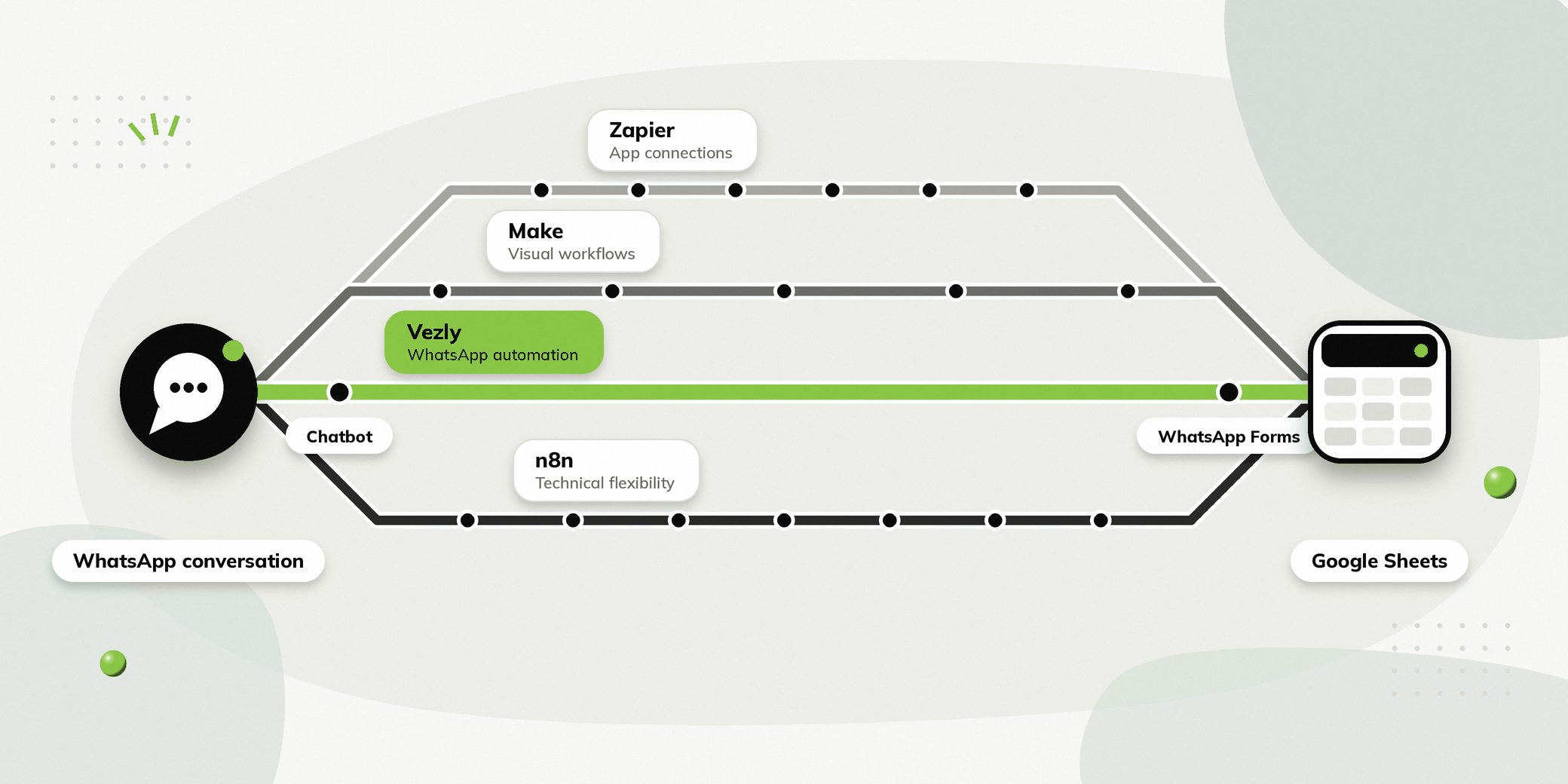
Many small businesses use Google Sheets to manage their leads, enquiries, appointments and customer information. But collecting that information is often still a manual process.
Someone starts a conversation on WhatsApp. Your team asks a few questions. The person replies with their details. Then someone has to copy those responses into Google Sheets.
That is why many teams want to automate WhatsApp from Google Sheets workflows: the conversation collects the information, and the responses land in the sheet automatically.
There are several ways to build this. Platforms such as Zapier, Make and n8n can connect WhatsApp and Google Sheets. Vezly takes a more WhatsApp focused approach, where the chatbot collects information during the conversation and pushes the responses into connected systems such as Google Sheets.
So, which option is right for your business?
What Does WhatsApp to Google Sheets Automation Mean?
The basic idea is simple.
A person starts a WhatsApp conversation with your business. A chatbot asks the questions required for the next step. The person provides their answers, and those responses are added to a Google Sheet.
For example, imagine an automobile dealer wanting to capture test drive enquiries. The collected information could appear in Google Sheets like this:
| Name | Car | Variant | Test Drive Date | Location |
|---|---|---|---|---|
| Rahul Sharma | SUV X | Premium | 15 Oct | Ahmedabad |
| Priya Mehta | Sedan Y | Automatic | 16 Oct | Bangalore |
The sales team can then use the spreadsheet to manage the enquiries and follow up.
Why Connect WhatsApp with Google Sheets?
Reduce Manual Data Entry
Your team does not need to copy information from WhatsApp conversations into a spreadsheet manually.
Collect Structured Information
A chatbot can collect specific fields such as service, preferred date and preferred time.
Keep Enquiry Information Organised
Every response can be stored in the relevant column, making it easier for the team to review enquiries.
Use a Tool Your Team Already Knows
If your team already uses Google Sheets to manage leads or enquiries, you can continue using it as part of your existing workflow.
How Does WhatsApp Google Sheets Automation Work?
The workflow usually has four stages.
Start the WhatsApp Conversation
A person starts a conversation with the business through WhatsApp.
Ask the Required Questions
The chatbot asks questions based on the business workflow. For example, a clinic might ask which service the person needs and when they would like an appointment.
Capture the Responses
The person’s answers are captured during the conversation.
Push the Responses into Google Sheets
Once the required information has been collected, the relevant data is added to the connected Google Sheet.
The important point is that the data moves from the WhatsApp conversation into Google Sheets, rather than the spreadsheet being used to send the initial WhatsApp message.
Zapier WhatsApp Google Sheets Integration
Zapier is a general automation platform designed to connect different applications.
It can be used to create workflows involving WhatsApp Business and Google Sheets, depending on the integrations and setup available. For businesses using several different applications, this approach can be useful.
When Zapier Makes Sense
Zapier can work well when WhatsApp is one part of a broader application workflow. For example, a business may want to move information between WhatsApp, Google Sheets, email, a CRM and other applications.
What You Need to Consider
The WhatsApp conversation itself is not the primary focus of Zapier.
If your requirement is simply to move collected WhatsApp information into Google Sheets, Zapier can be one way to build the connection.
But if you need the complete WhatsApp experience, including chatbot conversations, forms, customer management and team conversations, you need to consider what additional tools or integrations are required.
Make WhatsApp Google Sheets Automation
Make is another general automation platform that lets businesses create visual workflows between applications.
Make can connect Google Sheets with WhatsApp Business Cloud and can be used to move information between different services.
When Make Makes Sense
Make can be useful when your workflow involves several applications and multiple conditions. For example, a business could collect enquiry information through WhatsApp, process that information, add it to Google Sheets, and then trigger another action in a separate application.
What You Need to Consider
Make gives you flexibility in designing the workflow, but the WhatsApp chatbot and customer conversation experience still needs to be configured as part of the overall setup.
This makes it more suitable for businesses looking for broader application automation rather than only WhatsApp customer engagement.
n8n WhatsApp Google Sheets Workflow
n8n is a workflow automation platform that gives technical teams considerable flexibility when building custom workflows.
It can work with Google Sheets and WhatsApp Business Cloud and can also connect with APIs, databases and other services.
When n8n Makes Sense
n8n can be a strong choice when a business has technical resources and wants to build highly customised workflows. For example, a technical team could take information from a WhatsApp conversation, process it using additional logic, store it in Google Sheets and send it to another system.
What You Need to Consider
The flexibility also means that setting up and maintaining the workflow can require more technical involvement.
For a business whose main requirement is WhatsApp automation, this may be more infrastructure than it needs.
Vezly for WhatsApp and Google Sheets
Vezly approaches the problem differently.
Instead of treating WhatsApp as simply one application in a larger automation workflow, Vezly is built around customer conversations and automation.
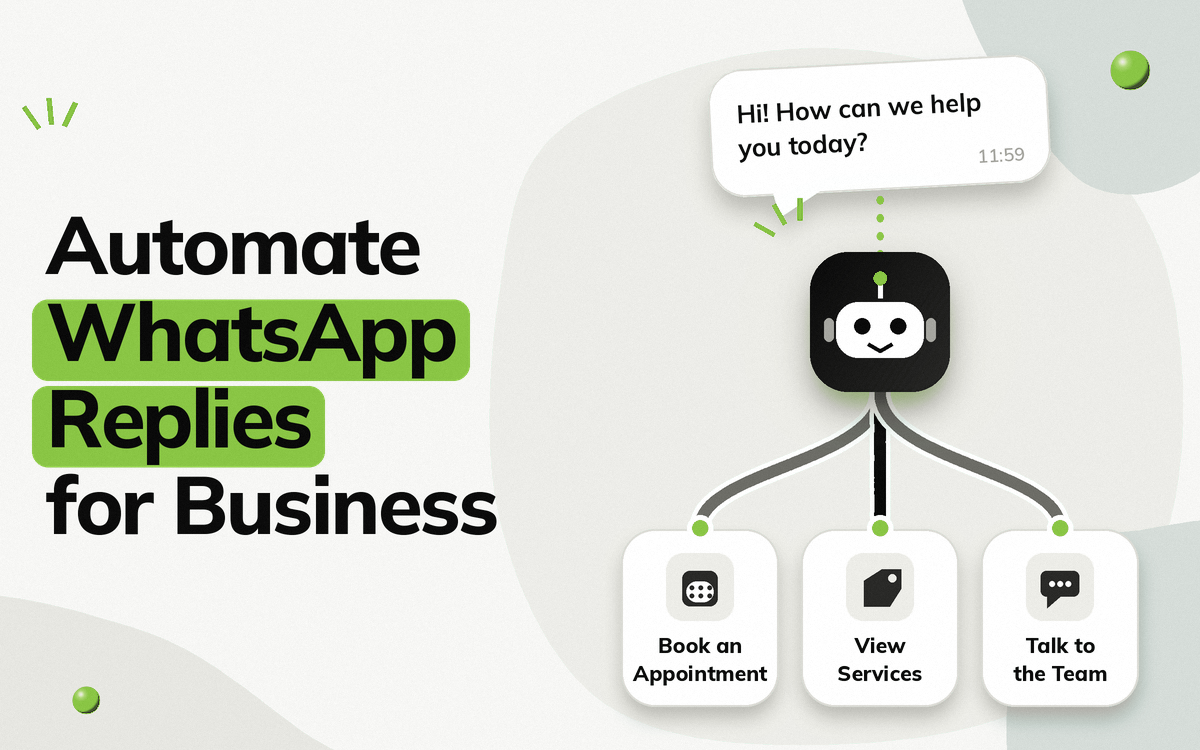
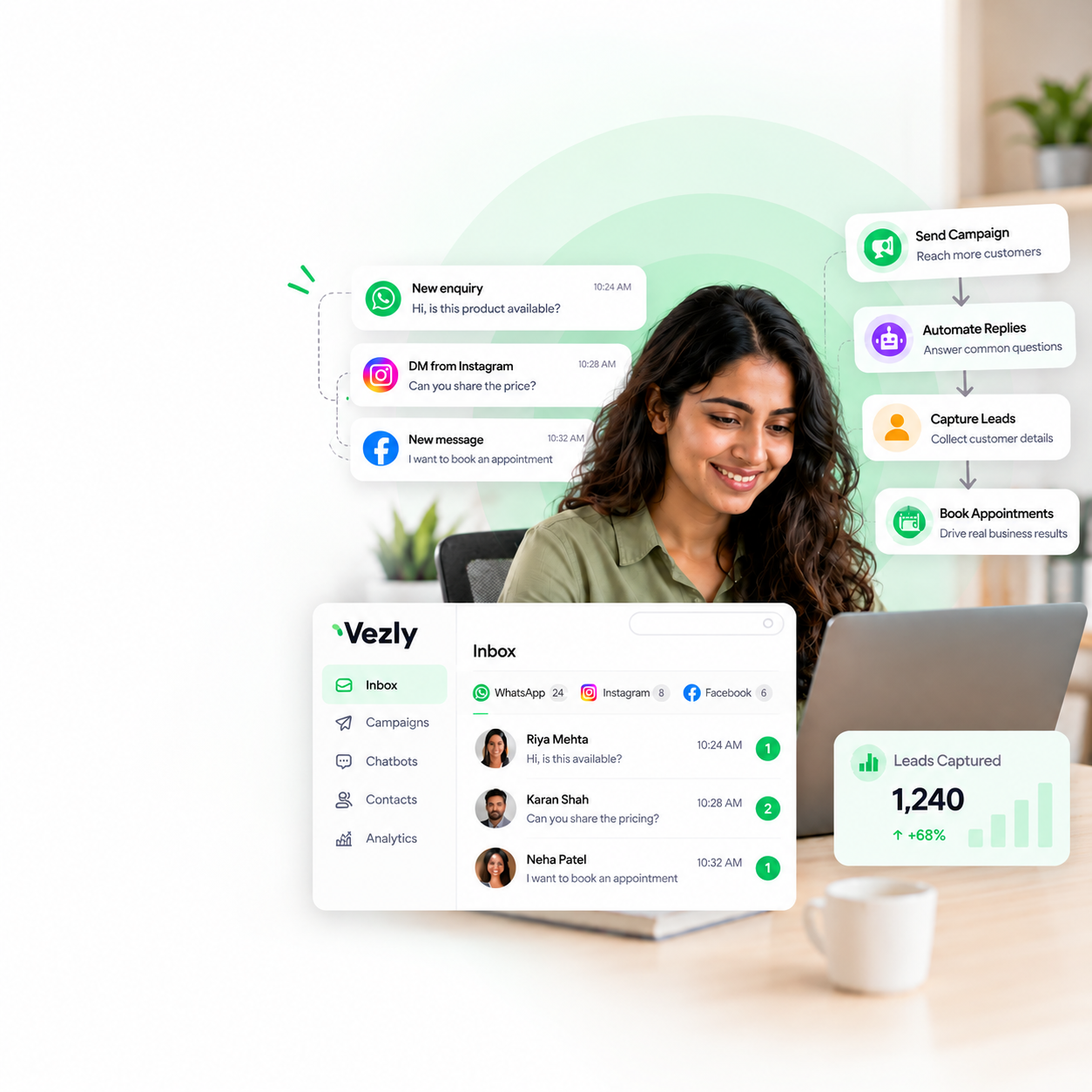
A business can create a WhatsApp chatbot, collect the information required during the conversation, and push those responses into connected systems such as Google Sheets.
Build the WhatsApp Conversation
Vezly provides a visual WhatsApp chatbot builder where businesses can create the questions, responses and actions required for their workflow.
For example, a real estate business could collect:
- Property preference
- Preferred location
- Budget
- Preferred visit date
Collect Information with WhatsApp Forms
For workflows that require structured information, WhatsApp Forms can be used to collect the required details during the conversation.
This can make information collection more structured than relying entirely on free text replies.
Push Responses into Google Sheets
The information collected through the WhatsApp conversation can be pushed into Google Sheets. The team can then use the sheet to manage the enquiry and continue the follow up.
Continue the Conversation with Your Team
Not every enquiry needs to be handled entirely by automation.
When someone needs help from a real person, the team can manage the conversation through Vezly’s WhatsApp team inbox.
Zapier vs Make vs n8n vs Vezly: WhatsApp Automation Platform Compared
The biggest difference between these platforms is their primary purpose.
| Zapier | Make | n8n | Vezly | |
|---|---|---|---|---|
| Primary focus | App automation | Visual workflow automation | Custom workflow automation | WhatsApp customer engagement |
| Google Sheets | Yes | Yes | Yes | Yes |
| WhatsApp automation | Through integrations | Through integrations | Through integrations | Built into platform |
| WhatsApp chatbot | Not the core focus | Not the core focus | Requires workflow setup | Included |
| WhatsApp Forms | Requires setup | Requires setup | Requires setup | Included |
| Customer conversations | Requires connected tools | Requires connected tools | Requires workflow setup | Included |
| Best suited for | Connecting applications | Multi step workflows | Technical customisation | WhatsApp focused workflows |
This does not mean one platform is universally better than the others. They are designed around different requirements.
Which Platform Should You Choose?
Choose Zapier If You Need Broad App Connections
Choose Zapier when your main requirement is connecting several applications and automating information between them. For example, WhatsApp might be one part of a larger workflow involving Google Sheets, email and your CRM.
Choose Make If You Need Visual Multi Step Workflows
Make is worth considering when you need more control over how information moves between multiple applications and conditions. It is particularly useful when Google Sheets is only one component of a larger workflow.
Choose n8n If You Have Technical Resources
n8n makes more sense when you have technical expertise available and want greater control over your workflows, APIs and infrastructure.
Choose Vezly If WhatsApp Is at the Centre of the Workflow
Vezly is more suitable when the main objective is to automate WhatsApp conversations and turn those conversations into structured business information.
For example:
- A person enquires on WhatsApp.
- The chatbot asks the required questions.
- The person provides their information.
- The responses are pushed into Google Sheets.
- The team follows up with the enquiry.
The important difference is that the WhatsApp conversation is not simply an input to the automation. It is the main part of the workflow.
WhatsApp Automation Platform vs General Automation Platform
This is the most important distinction to understand before choosing a tool.
Zapier, Make and n8n are general automation platforms. They are designed to connect different applications and move information between them.
Vezly is a WhatsApp focused customer engagement platform. Its purpose is to help businesses manage what happens inside and around the WhatsApp conversation.
So, if your requirement is:
“I need to connect WhatsApp with several different applications.”
A general automation platform may be the right choice.
If your requirement is:
“I want to automate WhatsApp conversations and send the information collected from those conversations to Google Sheets.”
A WhatsApp focused platform can be a more direct solution.
Real World Examples
Real Estate Lead Capture
A prospect starts a WhatsApp conversation after seeing a property. The chatbot asks about location, budget and property preference. The responses are stored in Google Sheets for the sales team to follow up. See how WhatsApp lead capture works in practice.
Clinic Appointment Enquiry
A person wants to book an appointment. The chatbot asks for the required details and preferred appointment time. The information is stored in Google Sheets for the clinic team.
Automobile Test Drive
A prospect enquires about a vehicle. The chatbot collects the model, variant, preferred date and location. The sales team can see the information in Google Sheets and continue the process.
Education Enquiry
A prospect wants information about a course. The chatbot collects the course of interest, qualification and preferred counselling time. The responses are added to the sheet for the admissions team.
What Should You Consider Before Choosing a Platform?
What Happens Inside WhatsApp?
If you only need to move data between applications, a general automation tool may be enough.
If the WhatsApp conversation itself needs to be automated, consider whether the platform provides the necessary chatbot and conversation capabilities.
How Much Technical Work Is Required?
Simple integration may be easy to configure. More complex workflows can require technical knowledge, especially when APIs, databases and custom logic are involved.
What Happens After the Data Reaches Google Sheets?
Think beyond data collection. Who follows up? Where is the conversation managed? Can the team see what the person originally asked? Can the next action be automated?
These questions matter when choosing the right platform.
Final Thoughts
Google Sheets can be more than a place to store WhatsApp enquiries. When connected with WhatsApp automation, it can become the place where your team receives structured information collected during conversations.
The choice of platform depends on what you are trying to achieve.
- Zapier is suited to broad application connections.
- Make is useful for visual multi step workflows.
- n8n provides greater flexibility for technical teams.
- Vezly focuses on the WhatsApp conversation itself, allowing businesses to build chatbot journeys, collect information and push those responses into connected systems such as Google Sheets.
If your requirement is simply to connect different applications, a general automation platform may be enough.
But if your goal is to automate WhatsApp conversations and turn the information people provide into usable business data, a WhatsApp focused platform can be a more direct approach.
FAQs
Can WhatsApp responses be pushed into Google Sheets?
Yes. WhatsApp conversation data can be connected to Google Sheets using an automation or integration setup.
Can Vezly push WhatsApp chatbot responses into Google Sheets?
Yes. Vezly can collect information through WhatsApp chatbot conversations and push the responses into connected Google Sheets workflows.
Do I need a technical team for WhatsApp and Google Sheets automation?
It depends on the platform and complexity of the workflow. General automation platforms can require integration configuration, while a WhatsApp focused visual builder can make the process easier for business teams.
Which is better for WhatsApp and Google Sheets?
It depends on your requirements. Zapier, Make and n8n are better suited to broad application automation. Vezly is designed specifically around WhatsApp customer engagement and automation.