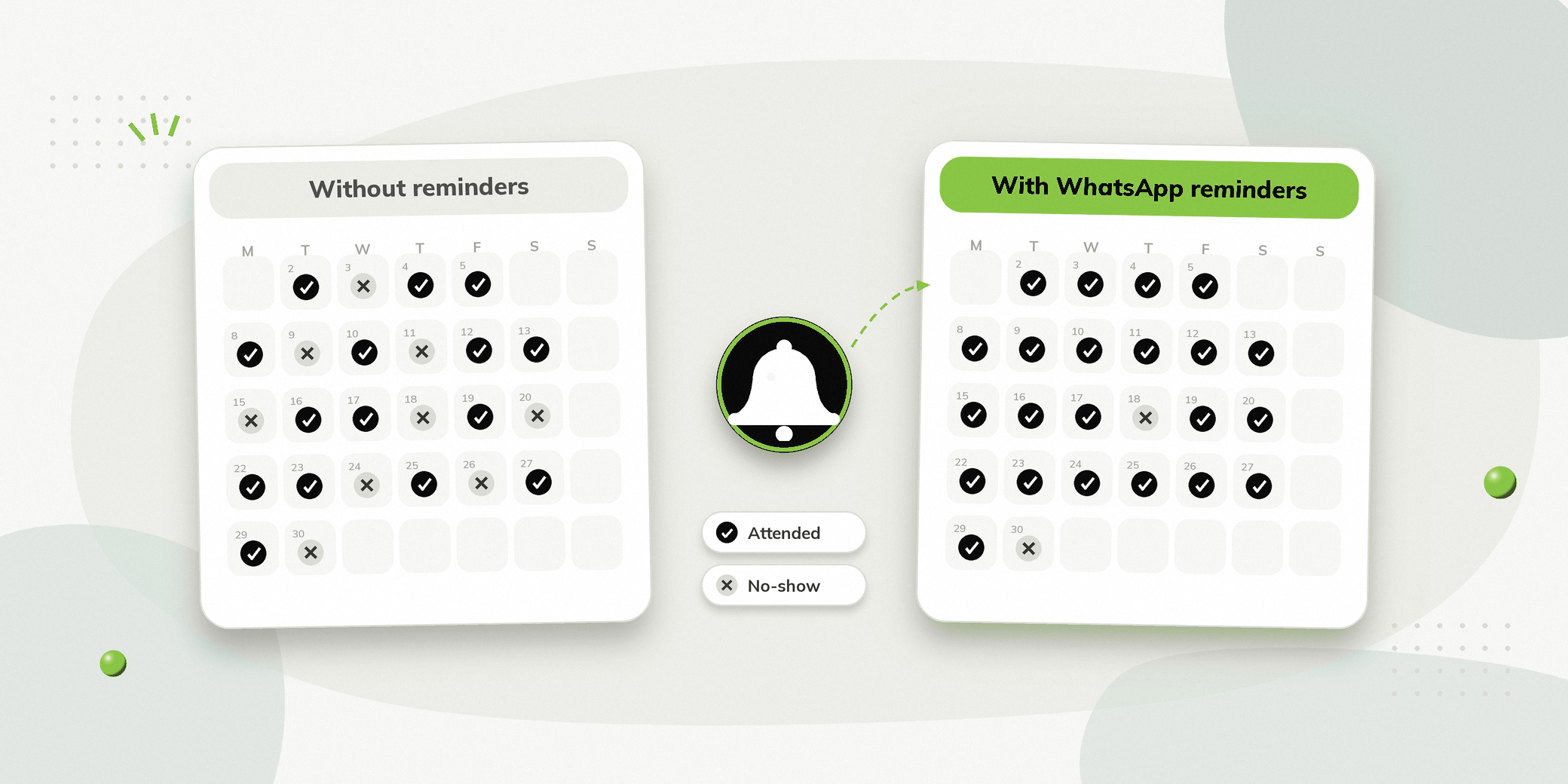
Wondering how to reduce no-show rate for appointments? Most missed appointments aren’t deliberate. People forget, get busy, or can’t attend and have no easy way to reschedule. Automated WhatsApp reminders help by keeping the appointment visible and letting people confirm or change it in one tap.
Key Takeaways
- Appointment reminders can help reduce missed appointments by keeping the date, time, and other important details visible before the appointment.
- Research across healthcare settings has found that reminder systems can improve appointment attendance.
- A useful reminder should make it easy for people to confirm, cancel, or reschedule an appointment.
- Sending more than one reminder can be useful, particularly when there is a longer gap between booking and appointment.
- Vezly can help businesses send reminders automatically instead of relying on staff to make individual calls or send messages.
- When someone needs help beyond the automated reminder, the conversation can be handed over to a human agent through Live Chat.
What Is an Appointment No-Show?
An appointment no-show happens when someone has a scheduled appointment but does not attend and does not cancel or reschedule beforehand.
For businesses that depend on scheduled appointments, this creates more than an empty calendar slot.
A missed appointment can mean:
- Lost revenue
- Unused staff time
- Empty appointment slots
- Delayed service for other people
- Additional follow up work
- More pressure on front desk or sales teams
No-shows can happen for different reasons. Someone may forget the appointment, lose track of the date, become unavailable, or simply fail to realise that the appointment is approaching.
Not every no-show can be prevented. However, businesses can make it easier for people to remember their appointments and take action if they can no longer attend.
That is where automated reminders can help.
Do Appointment Reminders Actually Reduce No-Shows?
Research suggests that appointment reminders can improve attendance.
A systematic review and meta analysis of 26 studies found that people who received electronic notifications were 25% less likely to miss their appointments than those who received no notification. The study also found that multiple notifications were more effective at improving attendance than a single notification.
This highlights an important point for businesses: a timely reminder can make it easier for people to remember their appointment and take action before the scheduled time.
The goal, therefore, isn’t simply to send a reminder. It is to create a reminder process that makes it easy for people to attend, confirm or reschedule their appointment.
Why Do People Miss Appointments?
Before building an automated reminder system, it helps to understand why appointments are missed.
| Reason | What a business can do |
|---|---|
| They forgot the appointment | Send a timely reminder |
| The appointment was booked far in advance | Send more than one reminder |
| They are unsure about the timing | Include the exact date and time |
| They can no longer attend | Make rescheduling easy |
| They have questions before attending | Give them a way to contact the team |
| They did not receive or notice the original information | Send a clear reminder through an active communication channel |
The important point is that a reminder should not simply say:
Reminder: You have an appointment tomorrow.
It should help the person understand what is happening and what they can do next.
What Should an Effective Appointment Reminder Include?
A useful reminder should answer the basic questions someone may have before attending.
Appointment Date and Time
Make the scheduled date and time clear.
Business or Location Details
Include the relevant location or information needed to attend.
For example, a clinic may need to include its address or branch name.
Appointment Type
Remind the person what they have booked.
This is particularly useful when a business offers multiple services.
Confirmation Option
Give the person an easy way to confirm that they will attend.
Rescheduling Option
People who cannot attend should have a straightforward way to reschedule rather than simply ignoring the reminder.
Contact Option
If someone has a question that automation cannot answer, provide a way to reach the team.
A reminder becomes more useful when it helps the person take action, rather than simply reminding them that an appointment exists.
When Should You Send Appointment Reminders?
There isn’t one universally proven timing schedule that works for every appointment type.
Research has examined reminders sent at different intervals, and evidence does not establish a single universally optimal timing.
For businesses, the right timing depends on factors such as:
- How far in advance appointments are usually booked
- How frequently appointments are rescheduled
- The type of service
- How much preparation is required
- Whether the appointment is with a new or existing client
A practical approach is to use more than one touchpoint when appropriate.
| Timing | Purpose |
|---|---|
| After booking | Confirm the appointment details |
| Before the appointment | Bring the appointment back to the person’s attention |
| Closer to the appointment | Give them an opportunity to confirm or reschedule |
Research has found that multiple electronic notifications can improve attendance more than a single notification in healthcare settings.
The exact schedule should be tested against your own appointment patterns rather than treated as a universal rule.
Don’t Just Remind People. Make Rescheduling Easy.
This is one of the most important parts of an appointment reminder strategy.
Someone may receive a reminder and realise they cannot attend.
If the only option is to call the business during working hours, they may postpone the task or simply not respond.
A better process gives them a clear way to change the appointment.
For example:
Appointment Reminder
Your consultation is scheduled for 15 October at 4:00 PM.
Confirm Appointment | Reschedule Appointment
This creates a useful alternative to simply reminding someone about an appointment they can no longer attend.
Reminder systems can also encourage cancellations and rescheduling, helping businesses make better use of appointment slots.
Why WhatsApp Works Well for Appointment Reminders
For businesses already communicating with people through WhatsApp, appointment reminders can become part of the same communication process.
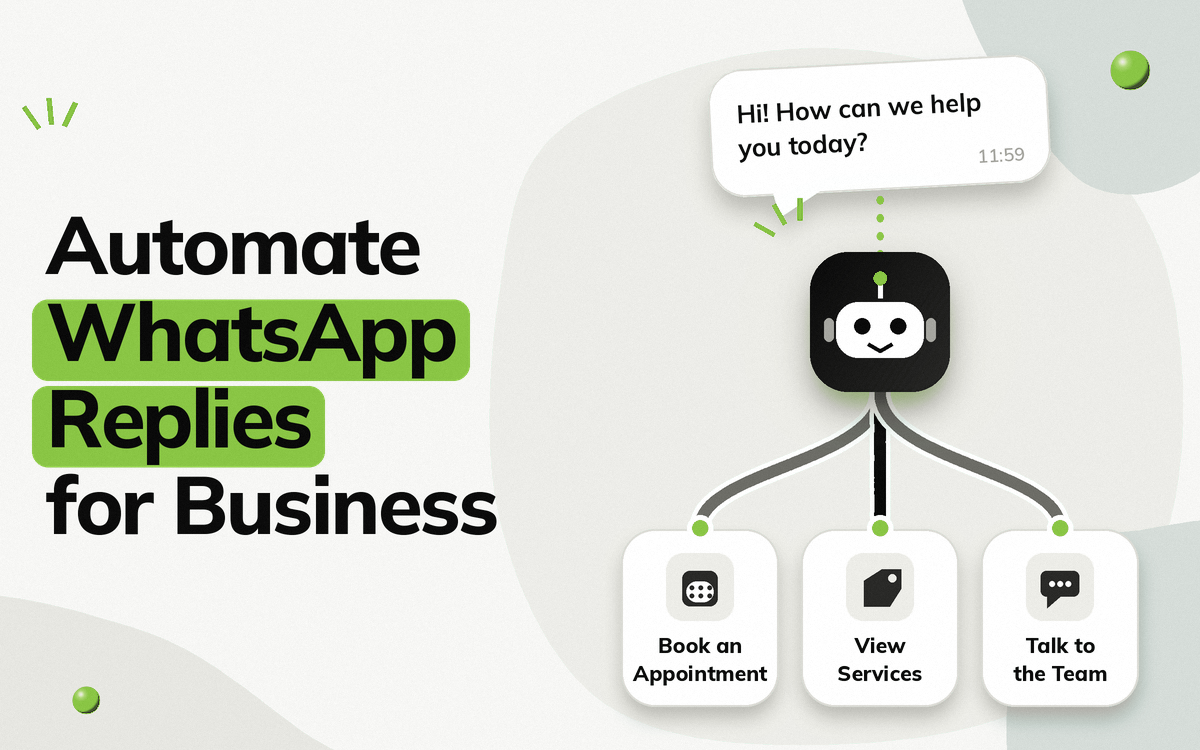
Instead of requiring staff to make individual reminder calls, businesses can set up automated WhatsApp workflows that send scheduled messages using approved WhatsApp message templates.
This can be particularly useful for businesses with recurring appointments or a high volume of bookings.
The objective isn’t simply to send another notification.
WhatsApp can be used to create a two-way interaction, where someone can respond to the reminder, confirm their appointment, request a change, or reach the team.
How Different Businesses Can Use Automated Appointment Reminders
Appointment reminders aren’t limited to healthcare.
Clinics and Healthcare
Clinics can remind patients about upcoming consultations and allow them to confirm or reschedule, as part of broader WhatsApp automation for clinics.
This can also be extended to recalls and follow-ups after a previous visit.
Diagnostic Centres
Diagnostic centres can send reminders for:
- Test appointments
- Sample collection
- Health packages
- Report related follow ups
A reminder can also help patients understand what they need to do before an appointment where relevant.
Salons and Spas
Salons and Spas can remind clients about upcoming appointments and reduce the chance of unused slots.
They can also use reminders to encourage clients to reschedule if they can no longer attend.
Business Consultants
Consultants can send reminders before scheduled consultations.
This is useful when a consultation was booked several days or weeks earlier, and the person may need a reminder closer to the meeting.
Automobile Dealers
Dealers can remind prospects about scheduled test drives or showroom visits.
This can help keep the appointment visible while making it easier to change the scheduled time if needed.
Coaching and Education
Coaching and education businesses can use reminders for counselling sessions, classes, assessments, or scheduled consultations.
The same principle applies to remind people at the right time and make the next action clear.
Appointment Reminders Can Do More Than Reduce No-Shows
A reminder workflow can become part of a larger appointment management process.
Instead of only sending:
Your appointment is tomorrow.
Businesses can use the same communication channel to support other parts of the journey.
| Stage | Possible communication |
|---|---|
| Booking | Appointment confirmation |
| Before appointment | Reminder |
| Confirmation | Confirm attendance |
| Change required | Rescheduling |
| Appointment day | Relevant instructions |
| Missed appointment | Follow up |
| After appointment | Next visit or recall reminder |
This creates a more structured process around appointments instead of treating every reminder as an isolated message.
How Vezly Helps Reduce Appointment No-Shows
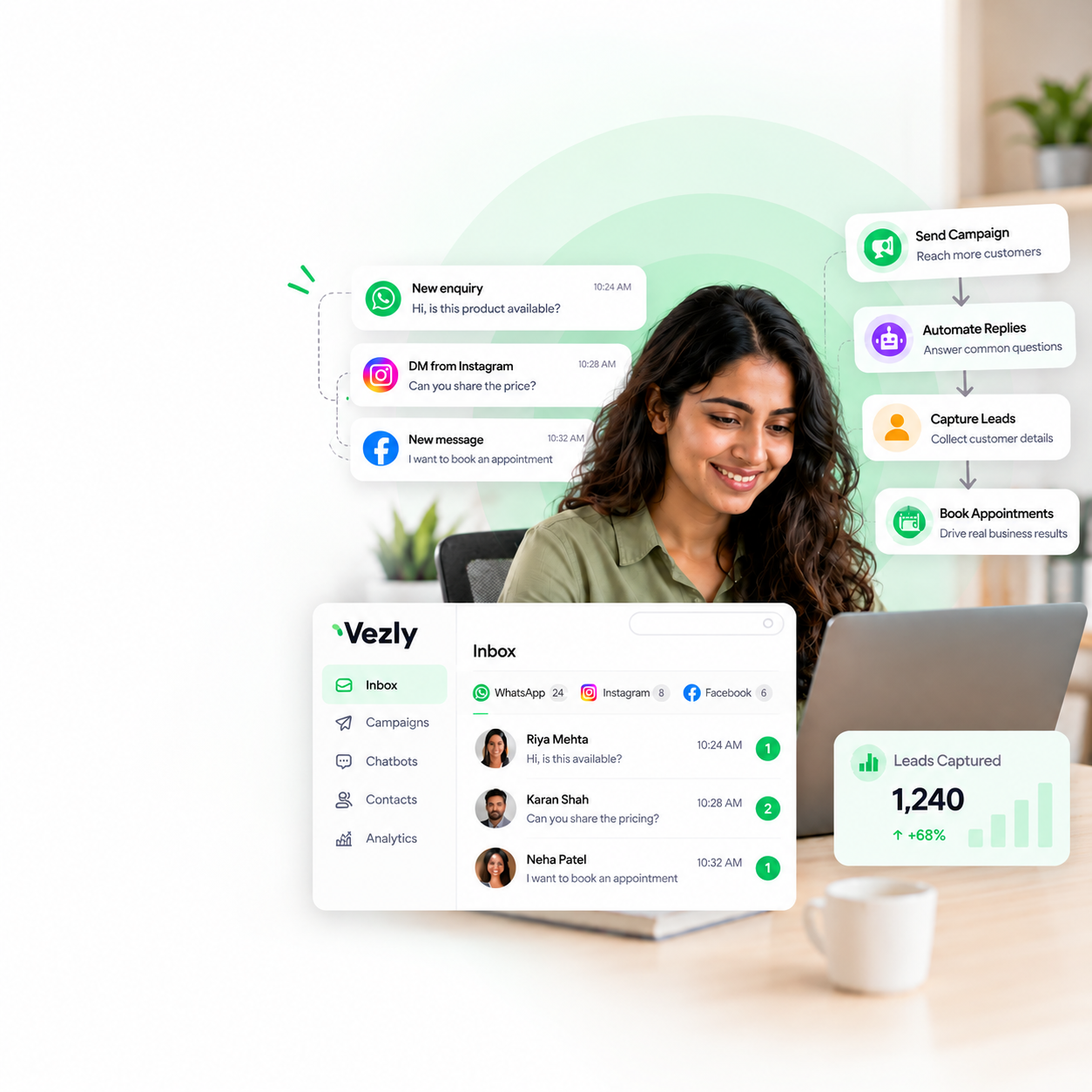
Vezly allows businesses to automate WhatsApp communication around appointments without a monthly software subscription.
For appointment-based businesses, this can include automated reminders, confirmation, and rescheduling conversations.
Vezly’s workflow capabilities allow businesses to create structured appointment journeys, while Live Chat lets a human agent step in when someone has a question that requires individual attention.
Relevant capabilities include:
| Vezly capability | How it helps with appointments |
|---|---|
| WhatsApp automation | Send appointment communication automatically |
| WhatsApp Forms | Collect required booking information |
| Conditional Logic | Create different paths based on responses |
| Action Tags | Track actions taken during conversations |
| Customer Module | View conversation and interaction history |
| Live Chat | Let a human agent handle complex questions |
| Customer Segments | Organise people for relevant communication |
The same approach can also support appointment recall reminders and follow-ups, helping businesses stay connected with people beyond the original appointment.
For example, a clinic can use WhatsApp to manage appointment reminders while also sending recall communication to people who are due for another visit.
Common Mistakes to Avoid with Appointment Reminders
Sending Only One Reminder
If appointments are booked far in advance, a single reminder may not be enough to keep the appointment visible.
Sending Too Much Information
Long messages can make the important details difficult to find.
Keep the appointment information clear and easy to understand.
Not Providing a Rescheduling Option
If someone cannot attend, make it easy for them to change their appointment.
Making People Call for Every Change
If a simple confirmation or rescheduling request can be handled through WhatsApp, automation can reduce unnecessary calls.
Ignoring the Team’s Role
Automation should not prevent people from reaching your team.
Complex questions can be handed over through Live Chat.
Not Measuring Results
Without tracking attendance and no-show rates, it is difficult to understand whether your reminder strategy is actually helping.
Final Thoughts
Reducing no-shows isn’t only about reminding people that they have an appointment.
The better approach is to make the appointment difficult to forget and easy to manage.
Automated WhatsApp reminders can help businesses keep appointments visible, provide timely information, and make confirmation or rescheduling easier. When someone needs additional help, the conversation can move from automation to a human agent through Live Chat.
Start by measuring your current no-show rate, identify where missed appointments happen most often, and build a reminder process around those patterns.
Over time, appointment reminders can become more than a simple notification. They can become part of a structured customer communication process that helps businesses make better use of their appointment slots.
FAQs
How can I reduce my No-Show rate for appointments?
Start by sending timely reminders and making it easy for people to confirm, cancel, or reschedule. Track your no-show rate before and after introducing the reminder process to measure its impact.
Do WhatsApp reminders reduce appointment No-Shows?
Research has found that text-based appointment reminders can improve attendance and reduce no-shows in healthcare settings. Evidence is strongest for reminder systems generally, rather than WhatsApp specifically.
How many appointment reminders should I send?
There is no single schedule that works for every business. Multiple reminders have been shown to improve attendance compared with a single notification in some healthcare research, but timing should be adapted to the appointment type and booking process.
What should an appointment reminder message include?
At minimum, include the appointment date, time and relevant location or service details. Where possible, also provide a simple way to confirm or reschedule.
Can appointment reminders be automated on WhatsApp?
Yes. Businesses can create automated WhatsApp workflows that send appointment reminders and allow people to take action such as confirming or rescheduling.
Can a human agent handle questions about an appointment?
Yes. With Vezly Live Chat, complex questions can be handed over from the automated conversation to a human agent.
Can the same system handle appointment recalls?
Yes. Businesses can create follow up workflows for people who are due for another appointment or service.