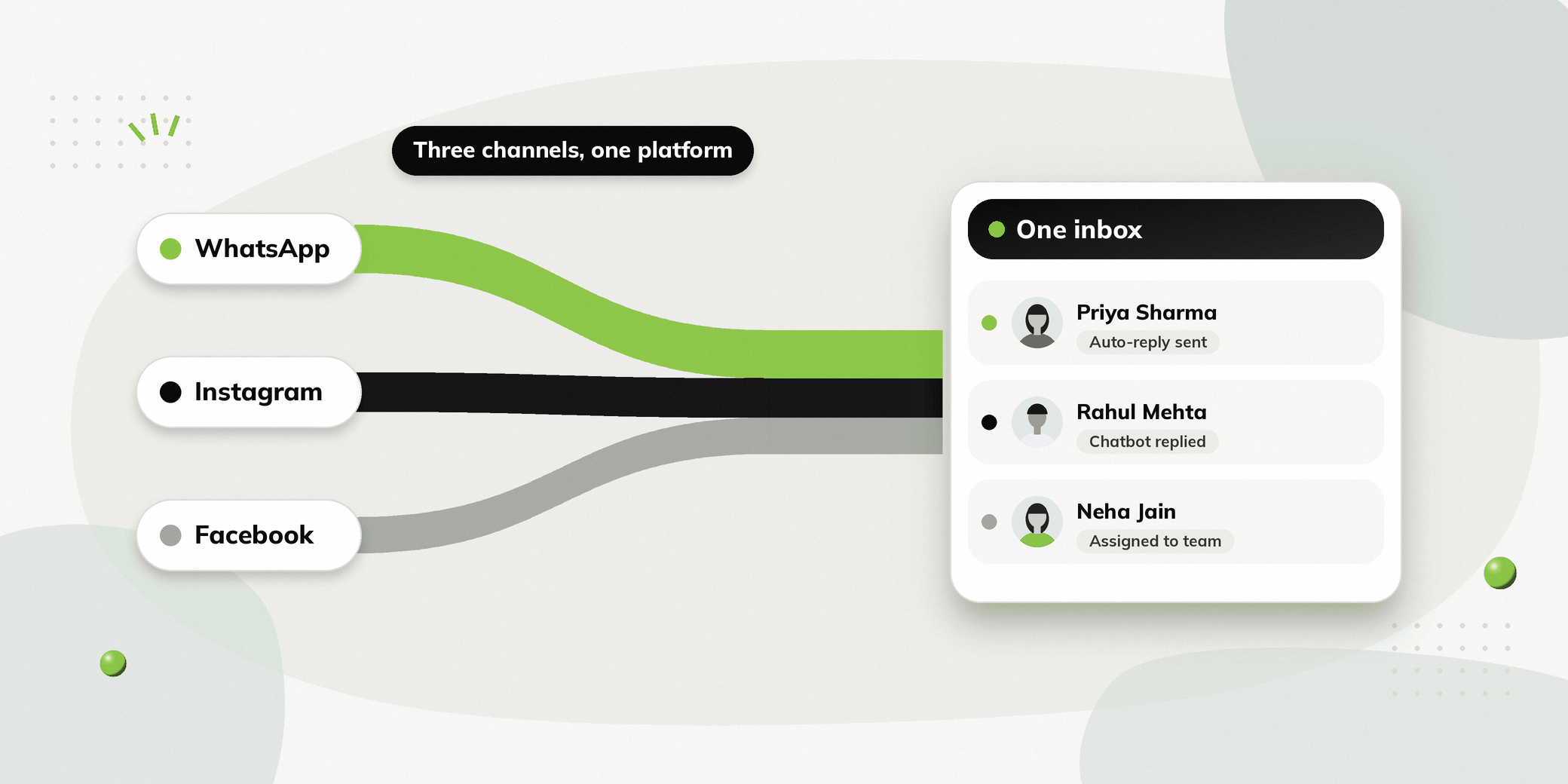
Managing conversations across WhatsApp, Instagram and Facebook gets difficult when every channel needs its own tool.
A person may comment on an Instagram post, send a Facebook message or contact your business on WhatsApp. Your team then has to track these interactions in different places while making sure no enquiry gets missed.
A WhatsApp, Instagram and Facebook automation platform brings these interactions together. Businesses can automate conversations, manage enquiries and handle responses from a single dashboard instead of switching between tools.
This article explains how multi-channel automation works and what to look for when choosing a platform.
One Platform Does Not Mean One Conversation Across Every Channel
Managing several channels from a single platform does not mean WhatsApp, Instagram and Facebook become one continuous conversation. Each channel remains its own communication channel.
The benefit is that your team can manage and automate interactions across all three in one place, instead of using a separate tool for each.
This distinction matters when evaluating an omnichannel automation platform.
What Is a WhatsApp, Instagram and Facebook Automation Platform?
It is software that lets businesses manage interactions across these three channels from a single place. Depending on the platform, businesses can automate tasks such as:
| Channel | Common automation |
|---|---|
| Lead capture, FAQs, appointment booking, campaigns and reminders | |
| Comment replies, Story replies, DMs and lead capture | |
| Messenger conversations, comment replies, story and lead capture |
The main benefit is not simply having three channels together. It is being able to manage automation and conversations without switching between tools.
Why Manage Your Social Channels from One Platform?
Stop Switching Between Different Apps
When conversations are spread across separate apps, teams can lose track of enquiries.
A unified platform gives your team a single place to manage conversations from all three channels.
Respond to Social Engagement Automatically
Not everyone who engages with your social content will send a direct message.
Someone might comment on an Instagram post asking about pricing. Another person might reply to a Story asking how to book. Automation can respond immediately and guide the person towards the next step.
Turn Social Engagement into Enquiries
Comments, DMs and Story replies can become opportunities to start a conversation.
Instead of leaving people waiting for a manual response, automation can provide relevant information and guide them towards an action.
Give Your Team One Place to Manage Conversations
Once automation has done its job, some conversations may require a human response.
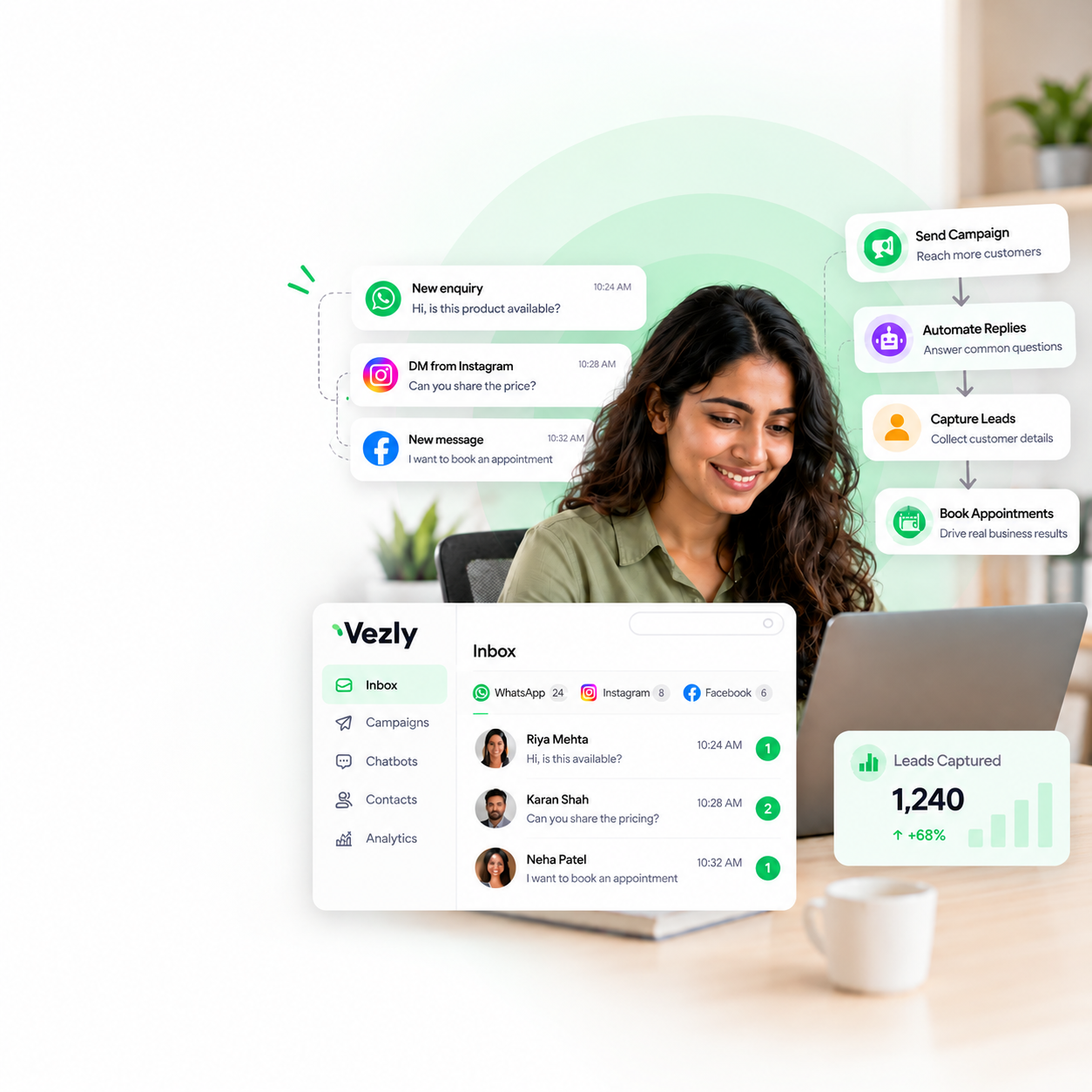
A shared inbox lets the team handle incoming conversations from all three channels together.
What Can You Automate Across Social Channels?
The exact capabilities depend on the platform, but common use cases include:
Lead Generation
Run WhatsApp campaigns and turn social interactions into conversations.
For example:
Instagram Post → Comment → Automated DM → Enquiry → Lead
Appointment Booking
People can start a conversation through WhatsApp or social media and be guided towards booking an appointment.
This can be useful for clinics, consultants, salons and other appointment-based businesses.
Frequently Asked Questions
Automate answers to common questions such as:
- What are your prices?
- Where are you located?
- What services do you offer?
- What are your business hours?
- How can I book?
Product Enquiries
Retail and D2C businesses can use automation to answer product questions and guide people towards relevant products.
Campaigns and Promotions
Businesses can use WhatsApp campaigns to reach relevant audiences and then manage the conversations those campaigns generate.
Customer Support
When someone needs help, automation can handle common questions while the team takes over when human assistance is needed.
How Multi-Channel Automation Works
The process can be simple:
Person engages → Automation responds → Information is shared → Action is captured → Team takes over when needed
For example:
Instagram
Post → Person comments → Automated DM → Information → Enquiry
WhatsApp
Ad → WhatsApp conversation → Chatbot → Product selection → Lead captured
Facebook
Message → Automated response → FAQ → Relevant information → Team conversation
The automation differs by channel, but the business can manage every interaction from a single dashboard.
What Should You Look for in a Social Media Automation Platform?
Not every platform provides the same level of automation.
Multi Channel Automation
The platform should support the channels your business actually uses.
If you are active on all three, look for automation across each of them rather than adding separate tools for every channel.
Visual Chatbot Builder
A visual chatbot builder allows teams to create conversation flows without relying on technical resources for every change.
Look for features such as buttons, forms, conditions and actions.
Comment and Story Automation
For Instagram and Facebook, automation should extend beyond direct messages.
Features such as comment replies, Story replies and comment to DM workflows can help businesses respond to social engagement faster.
Customer Segments
A useful platform should let you organise people into relevant Customer Segments.
This matters most when running WhatsApp campaigns, because you can send relevant messages to specific audiences instead of messaging everyone.
Shared Inbox
Automation does not replace every human conversation.
A shared inbox allows teams to take over when someone needs more personalised assistance.
Analytics
Look for analytics that show how campaigns and automated conversations are performing.
Useful information can include delivery, reads, clicks, responses and actions completed through a chatbot.
How Vezly Helps You Automate WhatsApp, Instagram and Facebook
Vezly brings automation for all three channels into a single platform.
Businesses can use Vezly to:
- Build automated WhatsApp conversations
- Automate Instagram comments and Story replies
- Automate Facebook interactions
- Create Customer Segments
- Capture leads through conversations
- Build chatbot flows without coding
- Manage incoming conversations through a shared inbox
- Run WhatsApp campaigns
- Track campaign and conversation activity
The important part is that businesses do not need to run separate automation systems for each channel.
The channels remain distinct, but the automation and conversation management happen in one place.
Which Businesses Benefit Most from Multi-Channel Automation?
Retail & D2C
Automate product enquiries, social engagement, campaigns and customer support.
Clinics & Healthcare
Automate appointment enquiries, booking conversations, reminders and patient support.
Skin & Aesthetics
Manage treatment enquiries, consultation bookings, social media interactions and follow-ups.
Salon & Spa
Automate service enquiries, appointment bookings, offers and customer conversations.
Education & Coaching
Capture enquiries from social media, answer common questions and guide people towards course or consultation enquiries.
Real Estate
Respond to property enquiries, capture requirements and help prospects take the next step.
Professional Services
Capture enquiries, book consultations and manage client conversations.
Events & Seminars
Automate event enquiries, registrations, reminders and attendee communication.
Diagnostic Centres
Manage test enquiries, appointment booking, reminders and patient communication.
Automobile Dealers
Capture vehicle enquiries, answer product questions, book test drives and follow up with prospects.
One Automation Platform vs Separate Tools
| Separate Tools | One Automation Platform | |
|---|---|---|
| WhatsApp automation | Separate | Included |
| Instagram automation | Separate | Included |
| Facebook automation | Separate | Included |
| Conversation management | Multiple inboxes | One shared inbox |
| Automation setup | Multiple systems | One platform |
| Team management | Across different tools | Centralised |
| Analytics | Spread across platforms | One place to monitor |
The advantage is not simply reducing the number of tools. It gives your team a single place to build automation and manage the conversations generated across different channels.
Best Practices for Multi-Channel Automation
Use Each Channel for What It Does Best
Instagram can help start conversations through social engagement. WhatsApp can be useful for direct conversations and follow-ups. Facebook can support messaging and social engagement.
Keep Automated Responses Relevant
Automation should answer the person’s actual question instead of sending generic messages.
Give People a Clear Next Step
If someone is interested, make it easy to take the next action.
That could be booking an appointment, requesting information or speaking with your team.
Make Human Support Easy to Reach
Automation should make your team more efficient, not make it difficult for people to reach them.
Final Thoughts
WhatsApp, Instagram and Facebook each give businesses a different way to interact with people.
The challenge begins when those interactions are managed through separate tools.
A WhatsApp, Instagram and Facebook automation platform brings the management layer together, allowing businesses to automate conversations, capture enquiries and give their teams one place to handle responses.
Vezly brings WhatsApp, Instagram and Facebook automation together in a single platform, helping businesses manage social engagement, automated conversations and incoming enquiries without switching between tools.
FAQs
Can WhatsApp, Instagram and Facebook automation be managed from one platform?
Yes. Platforms that support multi-channel automation can allow businesses to manage automation and conversations across these channels from one dashboard.
Can I automate Instagram comments and Story replies?
Some platforms support comment and Story reply automation. Vezly supports automation for Instagram comments, messages and Story replies.
Can I manage WhatsApp, Instagram and Facebook conversations in one inbox?
Yes. Vezly provides a shared inbox where teams can manage conversations across supported channels.
Can I build the automation without coding?
Yes. Vezly provides a visual chatbot builder that allows businesses to create automated conversation flows without writing code.
Is this the same as having one conversation across WhatsApp, Instagram and Facebook?
No. Each channel remains separate. The benefit is that businesses can manage and automate interactions across channels from one platform.
What is the benefit of using one social media automation platform?
It can reduce the need to manage separate automation tools and inboxes for each channel, giving your team a central place to manage workflows and conversations.